 OpenBusiness by Tradebook
Costs go beyond the invoice
Link freight, insurance, duties and services to the goods. Distinguish inventory costs, recoverable amounts and expenses.
Quote, invoice with DIAN, sell online and chat on WhatsApp from a single customer record.
SCServices and ContractsOperations manager · Deliver and billQuote with margin, run orders at actual cost, sign contracts and serve in the field.
ABSupply and ProductionPurchasing / logistics / plant · Source and produceManage purchasing, inventory, imports and production, with lot tracking, quality control and actual cost per order.
FIFinanceAccounting / financial management · Balance the booksEvery operation is reflected in your accounts. Manage taxes, banks, assets and period closing.
PEPeopleHuman resources · Care for the teamElectronic payroll and social security contributions, signed uniform deliveries and tracking of valid courses and certificates.
PLPlatformIT / management · Included with every purchaseAutomate tasks, ask your AI assistant, connect other applications and control access and changes.
Staffing contracts by site, special services, supplies at cost, AIU and per-worker annex.
SCPEABPrivate securityStaff per post with surcharges, uniforms and PPE with signed records, training with expiry dates.
SCPEFITemporary staffing and outsourcingWorkers on assignment, pre-invoice per worker, electronic payroll and PILA costed to the client.
PESCFIDistribution and consumer goodsRoutes and collections with Trade360, inventory movement records per warehouse, filling and packing, catch weight, batch labels.
COABSCRetail, stores and restaurantsPoint of sale with electronic POS document, online store, marketplaces and inventory.
COABFIImporters and trading companiesImport and export checklists, import declaration costs included in inventory and foreign currency operations.
ABFICOManufacturing and industryRecipes and bills of materials, production orders, actual cost, make-to-order, purchasing and batches.
ABPEFITechnical service and maintenanceField work orders with forms and evidence, support with agreed response times and spare parts tracked in inventory.
SCABCOGovernment contractors and suppliersContracts with Colombia’s SECOP II procurement platform, adjustments based on inflation, minimum wage or tax units, agreed service times, insurance policies and document history.
SCFIPEAgribusinessHarvest or livestock intake with weighing, quality and settlement; batches and traceability; field staff.
SCPEABFood and beverageBatch recipes, signed critical control points, traceability to origin, catch weight and harvest settlement.
ABFICOChemicals, cleaning products and cosmeticsPercentage formulas with versions, pH and viscosity as critical points, health notification and data sheets.
ABFICOFrom shipment to inventory cost and foreign-currency payment. Bring documents, people and decisions together in one file that connects your team.

Foreign trade coordinates international purchasing or selling, transport, documents, customs processing and financial close. Each team works from the same operation, with its own tasks and owners.
Link freight, insurance, duties and services to the goods. Distinguish inventory costs, recoverable amounts and expenses.
Compare quantities, weights and values across documents. Resolve discrepancies with both sources in view before moving on.
Track milestones, deadlines and free time. Prioritise tasks with context and notify the person responsible for the next action.
Arrival is only one milestone. Track quantities, documents, costs and payments separately to see what is missing and who needs to act.
Link the purchase or sales order, set owners, currency and delivery terms, then allocate quantities across shipments.
Review documents, permits and discrepancies. Record the review and customs outcome without treating submission as acceptance.
Receive by shipment and lot, record shortages or damage, and compare estimated and actual costs as invoices arrive.
Link payments and collections to invoices and declarations. Review operational, document and financial tasks before completing the close.
Your budget, customs value and inventory cost answer different questions. OpenBusiness preserves their sources and explains which charges belong in each.
The expected and actual business cost: goods and operational charges. Compare scenarios, commitments and invoices to explain variances.
The valuation basis for customs processing, with adjustments, exchange rate and configured effective rules. Preserve the calculation and supporting records.
The charges included in inventory under your accounting policy. Separate recoverable taxes and expenses, and trace late cost adjustments.
Open each area to see how its tasks, controls and evidence connect.
One operation brings goods, participants, transport legs and owners together, even with partial deliveries or multiple suppliers.
Gather the documents each operation needs and check that their data agrees, while keeping originals and versions.
Organise requirements and decisions with your customs broker. Each filing retains its evidence and received outcome.
Explain the difference between budgeted, committed and invoiced amounts, down to each product’s cost.
Arrival, receipt and availability are different milestones. Record each with its evidence.
Every payment and collection retains its link to invoices, declarations and the reason for the movement.
Distinguish what belongs to each customer and what it costs to deliver the service.
Link balances under customs control to consumption, exports and obligations.
Trading on your own account, exporting and serving other businesses require different controls. Explore the workflow that fits your business.
For importers who need to explain each product’s cost. Bring purchasing, declarations, freight and other charges together, then allocate the appropriate amounts to inventory under the accounting policy.
Demo example. The demo buys 100 motors at USD 180 each, split into shipments of 60 and 40. The first receipt records 55 and a shortage of 5. Freight changes from USD 2,400 estimated to USD 2,600 invoiced: the variance retains its review and accounting treatment.
Explore the use case
Connect international sourcing to receiving and production use. Track lots, serials, requirements and the cost of materials your plant needs.
Demo example. A manufacturer imports a spare part by air and compares transport options. The team follows the expected arrival, reviews documents and receives by serial number; availability and cost remain linked to the operation, without treating goods in transit as ready for use.
Explore the use case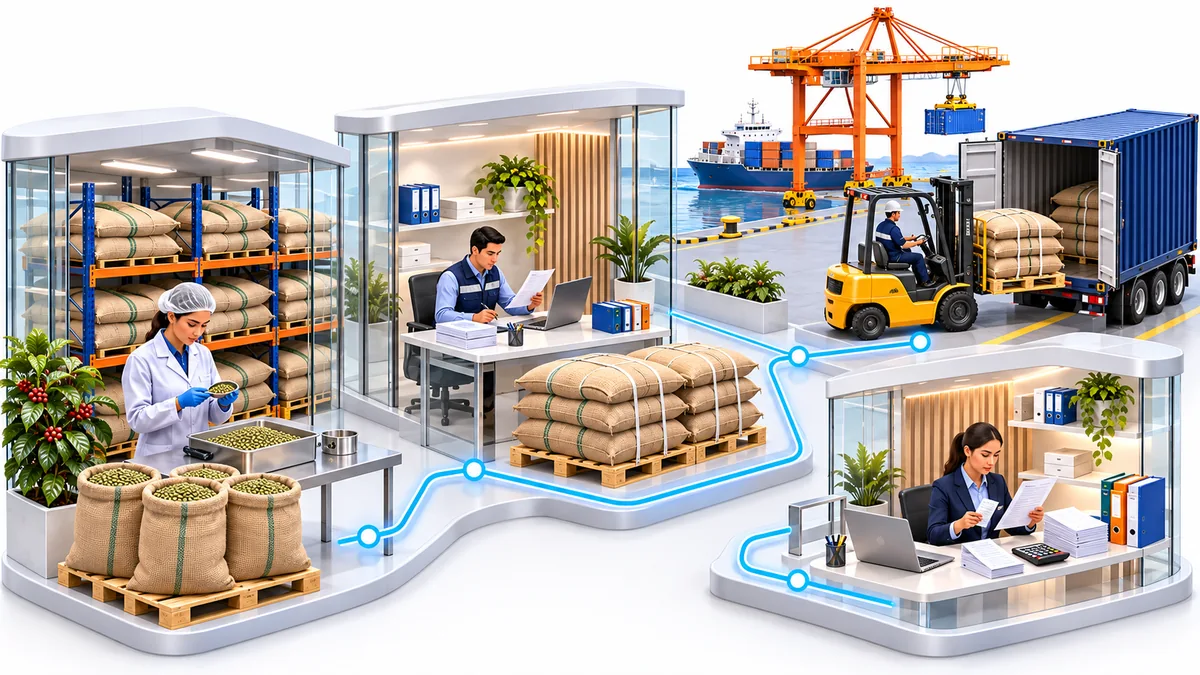
From the sales order to overseas collection, bring lots, documents, filings and foreign-exchange evidence together. Your team sees what is needed to ship and close.
Demo example. The export demonstration follows a coffee lot to Hamburg: order, packing list, origin evidence, departure, declaration and partial collection. The file retains the balance and explanations for collection differences.
Explore the use case
For freight forwarders and customs brokers coordinating other companies’ operations. Separate access, mandates, rates and documents, and understand each job’s profit.
Demo example. In the demo service case, a forwarder coordinates consolidated cargo, quotes buy and sell rates, records a disbursement on the customer’s behalf and tracks service-order profit. Another analyst can only access files for assigned customers.
Explore the use case
Control balances and evidence under Colombian special customs procedures. Link admissions, production, exports and deadlines through a reconcilable ledger.
Demo example. The Plan Vallejo example admits 1,000 kg of input and records a 600 kg discharge linked to an export, leaving 400 kg to reconcile and discharge as applicable. Consumption retains its materials version, and the compliance-evidence obligation has its own deadline.
Explore the use casePurchasing, inventory and finance work from the same documents. Each connection contributes information to the operation and returns results to the team that owns it.
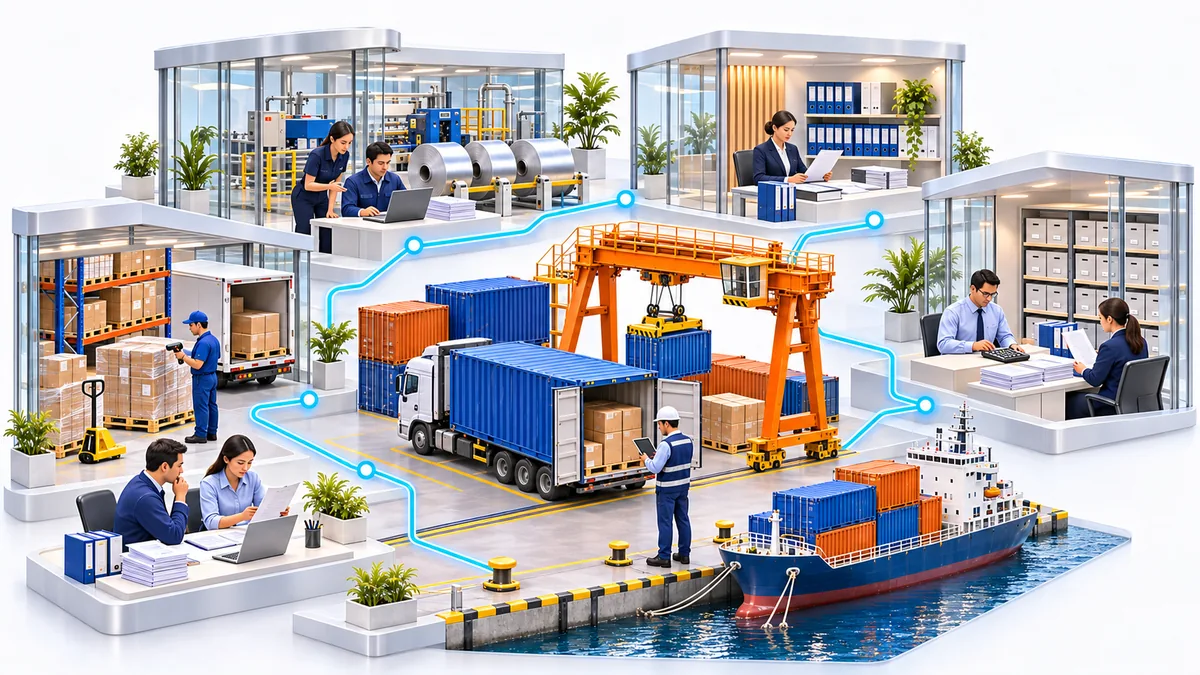
The purchase order starts the file; receipts return to Purchasing and invoices match charges and accruals.
Shipments feed in-transit stock and receiving. Lots retain declaration links and capitalisable charges update valuation.
Charges feed accounting; payments, collections and advances return to the operation file for foreign-currency reconciliation and close.
Share files, versions, evidence and portal requests with the operation file.
Use linked mandates and guarantees to review scope, validity and operational commitments.
Link materials and consumption to origin and customs discharges; carry imported input costs into production costing.
The sales order starts the export. Invoices and collections link to documents and close; invoice issuance requires an enabled channel.
Share what counterparties need and connect event sources. Define the exchange around your operation’s systems, permissions and channels.
Invite suppliers, customers and service providers to view their operations, submit requested documents and answer questions. Valid access limits visibility and does not expose costs or margins.
Receive carrier events through application programming interfaces (APIs), files or automatic system notifications (webhooks). Preserve sources and timestamps, control duplicates and identify unmatched events.
Exchange with an external ERP is defined by data, permissions and adapters. Native operations share OpenBusiness inventory and finance; each external channel requires configuration and testing.
Artificial intelligence helps read, query and propose. Sensitive actions retain permissions, evidence and review; external data requires configured sources.
Extract fields and review discrepancies. Ask the copilot about operations, costs, filings and tasks, with references to supporting records.
Create drafts, tasks and notifications within permissions and autonomy rules. Exceptions stop the workflow; sensitive decisions require review. AI does not authorise payments or accounting entries.
Analyse margin, working capital and transit times across comparable routes. Compare supplier, transport and procedure scenarios; configured market data and emissions estimates retain their source and method.
Start with your routes, owners and policies. In-product help supports the team as they work.
Task-specific help explains the work. The “Automate foreign trade” lesson guides you through notifying an owner when a compliance case blocks an operation.
Define who prepares, reviews, approves and closes. Limit operations by company and customer; retain versions, reasons and change evidence to reconstruct decisions.
Review master data, routes, costing policies, permissions and regulatory sources with your team. Test channels and a complete workflow; agree training and support scope during preparation.
Yes. It organises own-account trade and third-party services, with shipments, documents, customs, costs and foreign-exchange reconciliation. Requirements are defined by operation and route.
No. The charge catalogue and accounting policy distinguish capitalisable charges, recoverable taxes and expenses. Economic, customs and capitalisable values keep their differences and evidence.
The operation file supports working with a customs broker through files, a portal or configured integration. Direct filing with the Colombian authority requires authorisation, signatures, testing and channel conditions; submission does not mean acceptance.
You can define API and file exchanges around agreed data and adapters. A universal connector is not assumed: the external system, scope and responsibilities need validation.
AI helps extract data, answer questions and prepare actions. Review, permissions and evidence remain in place; it does not authorise payments or accounting entries. Owners resolve exceptions and approve decisions that require it.
Only the language of this product information changes. The customs localisation described is Colombia; translation does not extend regulatory coverage or confirm application or support languages.
Tell us what you import or export, how you coordinate service providers and where you need more control. We can review the workflow with your team.