 OpenBusiness by Tradebook
Changes with context
Overtime, absences and supporting records stay linked to the employee and period, bringing scattered messages into a reviewable workflow.
Quote, invoice with DIAN, sell online and chat on WhatsApp from a single customer record.
SCServices and ContractsOperations manager · Deliver and billQuote with margin, run orders at actual cost, sign contracts and serve in the field.
ABSupply and ProductionPurchasing / logistics / plant · Source and produceManage purchasing, inventory, imports and production, with lot tracking, quality control and actual cost per order.
FIFinanceAccounting / financial management · Balance the booksEvery operation is reflected in your accounts. Manage taxes, banks, assets and period closing.
PEPeopleHuman resources · Care for the teamElectronic payroll and social security contributions, signed uniform deliveries and tracking of valid courses and certificates.
PLPlatformIT / management · Included with every purchaseAutomate tasks, ask your AI assistant, connect other applications and control access and changes.
Staffing contracts by site, special services, supplies at cost, AIU and per-worker annex.
SCPEABPrivate securityStaff per post with surcharges, uniforms and PPE with signed records, training with expiry dates.
SCPEFITemporary staffing and outsourcingWorkers on assignment, pre-invoice per worker, electronic payroll and PILA costed to the client.
PESCFIDistribution and consumer goodsRoutes and collections with Trade360, inventory movement records per warehouse, filling and packing, catch weight, batch labels.
COABSCRetail, stores and restaurantsPoint of sale with electronic POS document, online store, marketplaces and inventory.
COABFIImporters and trading companiesImport and export checklists, import declaration costs included in inventory and foreign currency operations.
ABFICOManufacturing and industryRecipes and bills of materials, production orders, actual cost, make-to-order, purchasing and batches.
ABPEFITechnical service and maintenanceField work orders with forms and evidence, support with agreed response times and spare parts tracked in inventory.
SCABCOGovernment contractors and suppliersContracts with Colombia’s SECOP II procurement platform, adjustments based on inflation, minimum wage or tax units, agreed service times, insurance policies and document history.
SCFIPEAgribusinessHarvest or livestock intake with weighing, quality and settlement; batches and traceability; field staff.
SCPEABFood and beverageBatch recipes, signed critical control points, traceability to origin, catch weight and harvest settlement.
ABFICOChemicals, cleaning products and cosmeticsPercentage formulas with versions, pH and viscosity as critical points, health notification and data sheets.
ABFICOConnect contracts, payroll changes and calculations with contributions, accounting and your employee portal. Review each pay period with the information in one place.
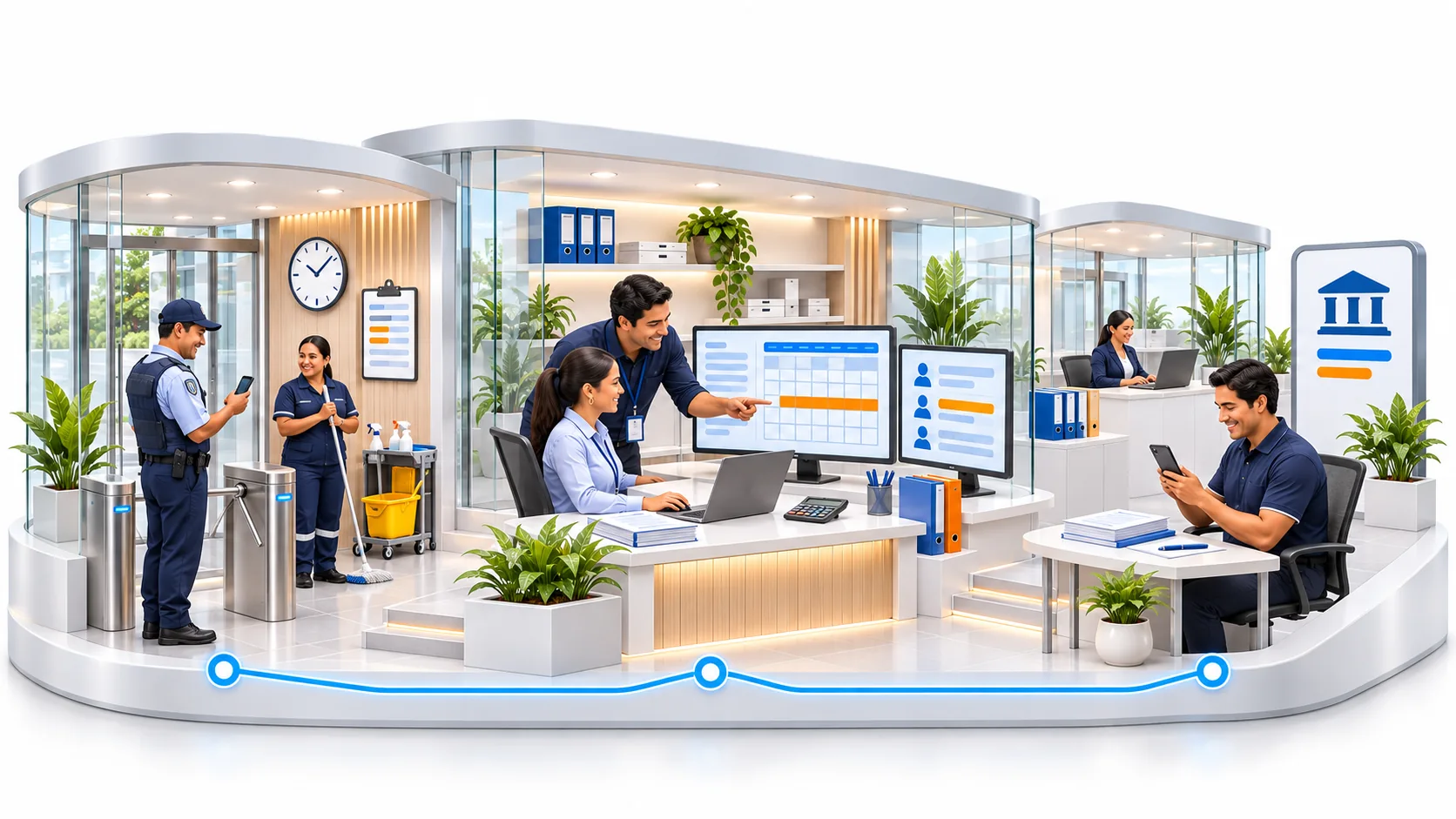
Payroll brings together each employee’s earnings, deductions and employer cost. OpenBusiness connects those calculations to the underlying changes and the documents they produce.
Overtime, absences and supporting records stay linked to the employee and period, bringing scattered messages into a reviewable workflow.
Closed periods feed contributions and electronic payroll reporting. Accounting entries allocate cost by center, and the bank file uses net pay.
Keep the applied conditions, source changes and the person who closed payroll. Consult the detail when an employee has a question.
HR, accounting and employees take part in the same cycle, each with their own responsibilities.
Collect changes, attendance and requests. Review attendance proposals before incorporating them.
Run payroll and review earnings, deductions, contributions and findings for each person.
Confirm the review and post the cost to the accounting entry by cost center.
Prepare payments and filings, retain responses and make documents available to employees.
Explore each area, from contract history to the period’s obligations.
Employment records that follow each person’s changes.
Record payroll changes in hours, days or amounts, with dates and supporting information. Review their effect before running payroll.
Review individual results while keeping the pay period in view.
Keep employment obligations in the same workflow.
Track the balance and status of each obligation.
Prepare each output from the period’s payroll records.
The employee portal provides payslips, certificates, leave and loan balances, and requests for leave or sickness with supporting documents. Attendance and requests enter a review workflow. The mobile app brings these tasks to a phone.
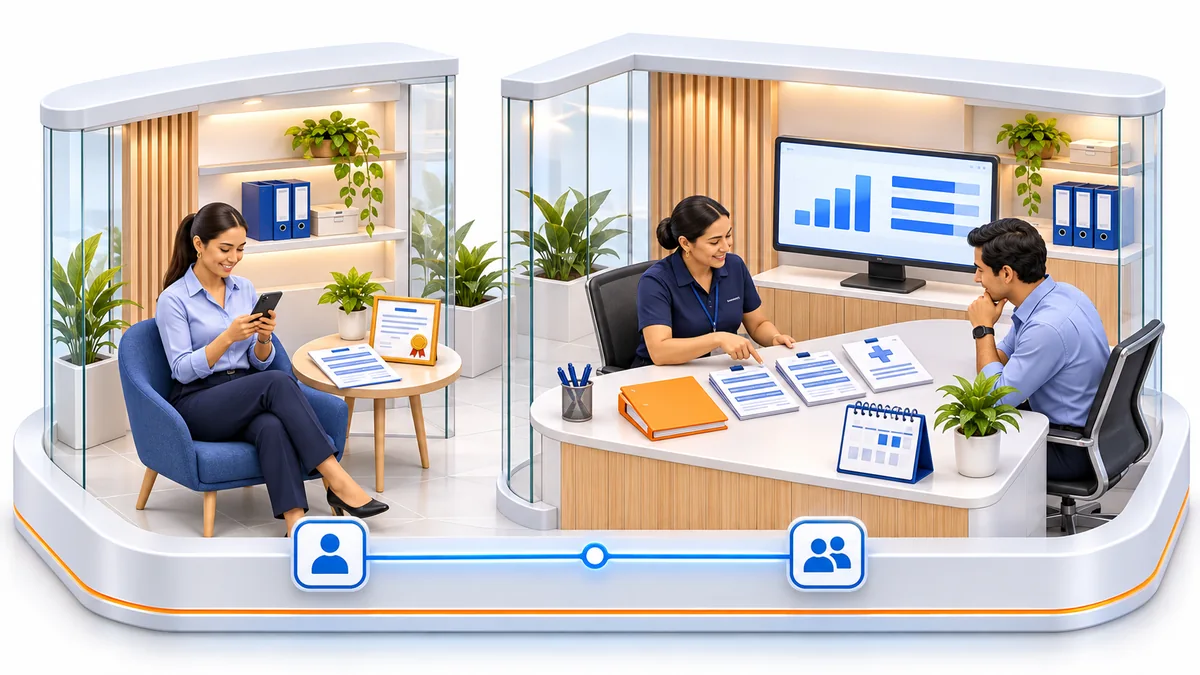
See how working time, locations, clients and individual obligations fit together.
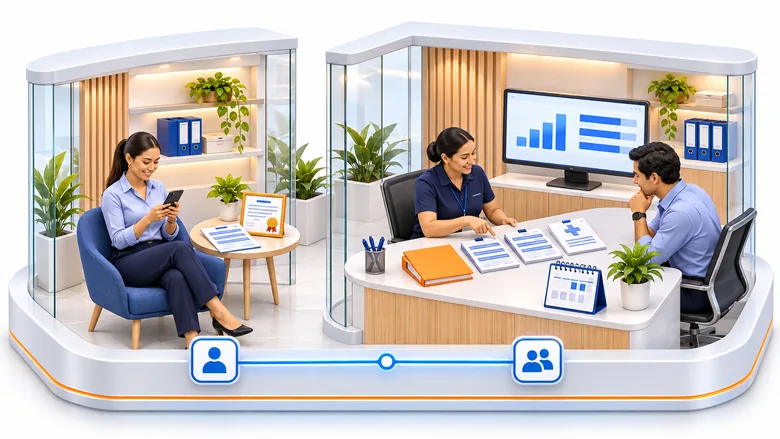
For administrative teams with a regular schedule. Bring together each employee’s salary and payroll changes, review the pay run and make payslips available through the employee portal.
Workflow example. An administrative team records annual leave and paid leave. HR reviews dates and supporting records, includes the changes in the pay run and makes each employee’s payslip available.
Explore the workflow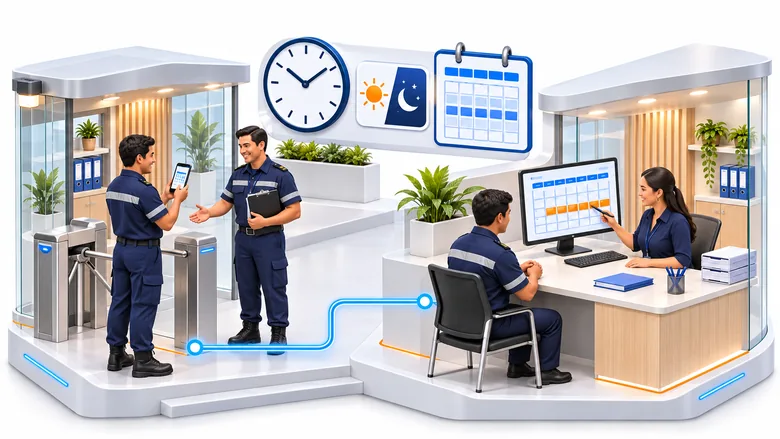
For operations with changing work schedules and premiums that need a clear explanation. OpenBusiness connects shifts, attendance and payroll changes, with approval before calculation.
Workflow example. A guard finishes a shift the next day. The supervisor checks clock-ins and the classification of hours; HR incorporates the approved change into the pay period.
Explore the workflow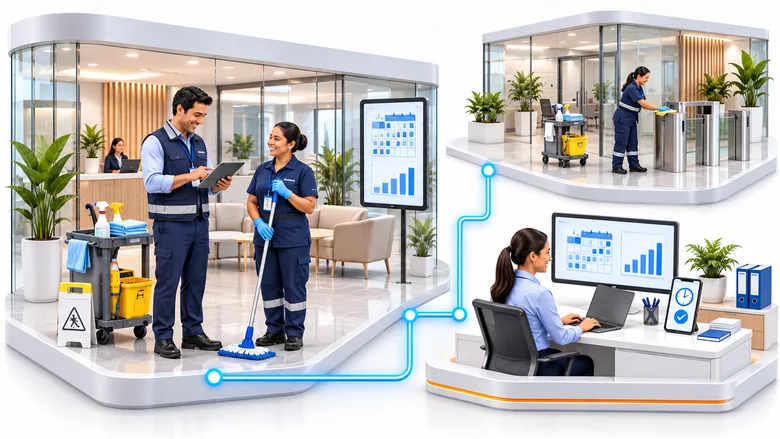
Organize employees and work centers when your team serves several locations. Bring attendance and supporting records together before closing.
Workflow example. An absence in a cleaning team arrives with its employee and supporting record. The reviewer checks its payroll impact without reconstructing it from messages.
Explore the workflow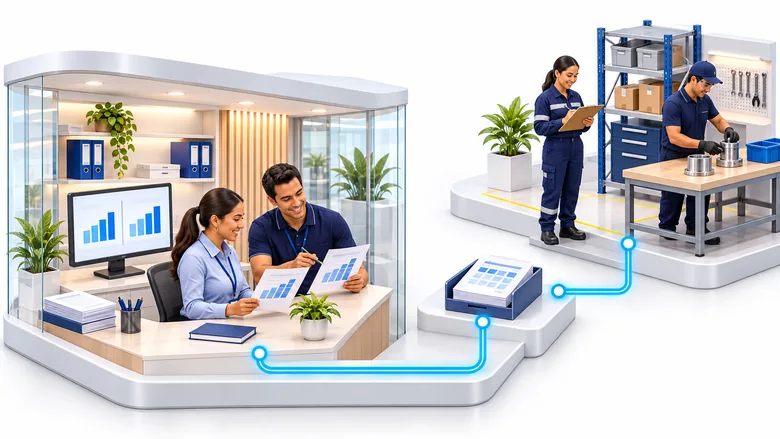
When employees work for a client, connect labor cost to the service order. Service Quoting and Profitability provides the context to compare budget, actual work and invoicing.
Workflow example. A staffing company reviews the cost of workers assigned to an order. It imports the period’s cost file, resolves unassigned rows and compares actual cost with budget and client revenue.
Explore the workflow
Manage obligations that continue across periods: instalments, balances and sick-leave claims, with their priorities and status.
Workflow example. An authorized lender deduction overlaps a garnishment. Priority and limits determine the deduction, with the remaining balance retained. Separately, the team records a sick-leave claim’s submission and response.
Explore the workflowConnect payroll with accounting, services and the resources your team uses. Each connection keeps its purpose and source information clear.

Payroll sends cost-center entries and payment records to accounting and treasury.
Connect labor costs, reference rates and orders. Cost files feed service profitability reviews.
Employees and contracts provide context for issue and return; authorized charges connect to deductions.
Employees, roles and locations feed the staff training matrix and its requirements.
Trade360 attendance by person and site connects to attendance review through the exchange configured for your operation.
Calculated commissions enter the period as earnings changes for review.
Deliver documents and receive vacation, sick-leave and attendance requests through individual access.
Labor time connects to production-order costs.
Prepare files and documents for each recipient. External delivery requires the relevant formats, access and configuration.
Download the PILA file, upload it to the operator and record the return reference, receipt and payment date.
Transmit electronic payroll to DIAN through the configured provider. Company credentials, environment and enablement are required.
Export net pay and accounts for payment, and the payroll ledger to Excel. Validate your bank’s format and the mapping required by your accounting system.
AI helps explain findings. Calculation rules and review decisions remain explicit.
Detect unusual net pay, duplicate changes, missing affiliations and other inconsistencies. Distinguish errors from warnings and record a justification where applicable.
AI summarizes findings to guide review. Values come from calculation rules; explanations support the reviewer’s judgment.
Review labor cost by role and center, headcount, turnover, absence and overtime to understand changes in your operation.
Implementation starts with your operation: contracts, cost centers, responsibilities and the outputs you need.
Role-based permissions and individual portal access. Employees consult their own documents and requests.
Retain calculation conditions, who closed payroll and attendance correction reasons to trace the result.
Contextual help explains setup, changes, closing, contributions and the portal. The staff training matrix serves a different purpose: tracking employee requirements.
Gather employees, contracts, affiliations, vacation and loan balances. Set up roles and work centers before the first run.
Review accounting mappings, the bank format, operator access and electronic reporting configuration.
Agree with the team on first-cycle review, responsibilities and the assistance your operation needs.
This module covers Colombian payroll. The English and Portuguese pages describe the same product; they do not imply other countries’ employment rules or support in those languages.
No. PILA reports social-security contributions through its operator. Electronic payroll is the tax document sent to DIAN. Both use closed periods but have different recipients and processes.
Attendance produces proposals for HR review. Approved changes enter payroll, and closing remains a separate controlled step.
You can export the payroll ledger and prepare exchange files. Before defining the workflow, we should review accounts, centers and the other system’s import format; a universal automatic connector is not assumed.
It contains net pay and employee banking details. Validate and adapt it to your bank’s required format before using it for payment.
The module records and tracks the process. Submit the claim through the insurer’s channel, then record the reference, status and payment or dispute.
It organizes and explains alerts so the reviewer can examine inconsistencies. Rules calculate the values; correction or justification remains a recorded human decision.
Tell us how you collect payroll changes, where your people work and how you send information to your bank and accounting team. Let’s walk through a pay period together.