 OpenBusiness by Tradebook
Serve without re-entering data
Find products, put a purchase on hold and resume it. Checkout uses the details already entered.
Quote, invoice with DIAN, sell online and chat on WhatsApp from a single customer record.
SCServices and ContractsOperations manager · Deliver and billQuote with margin, run orders at actual cost, sign contracts and serve in the field.
ABSupply and ProductionPurchasing / logistics / plant · Source and produceManage purchasing, inventory, imports and production, with lot tracking, quality control and actual cost per order.
FIFinanceAccounting / financial management · Balance the booksEvery operation is reflected in your accounts. Manage taxes, banks, assets and period closing.
PEPeopleHuman resources · Care for the teamElectronic payroll and social security contributions, signed uniform deliveries and tracking of valid courses and certificates.
PLPlatformIT / management · Included with every purchaseAutomate tasks, ask your AI assistant, connect other applications and control access and changes.
Staffing contracts by site, special services, supplies at cost, AIU and per-worker annex.
SCPEABPrivate securityStaff per post with surcharges, uniforms and PPE with signed records, training with expiry dates.
SCPEFITemporary staffing and outsourcingWorkers on assignment, pre-invoice per worker, electronic payroll and PILA costed to the client.
PESCFIDistribution and consumer goodsRoutes and collections with Trade360, inventory movement records per warehouse, filling and packing, catch weight, batch labels.
COABSCRetail, stores and restaurantsPoint of sale with electronic POS document, online store, marketplaces and inventory.
COABFIImporters and trading companiesImport and export checklists, import declaration costs included in inventory and foreign currency operations.
ABFICOManufacturing and industryRecipes and bills of materials, production orders, actual cost, make-to-order, purchasing and batches.
ABPEFITechnical service and maintenanceField work orders with forms and evidence, support with agreed response times and spare parts tracked in inventory.
SCABCOGovernment contractors and suppliersContracts with Colombia’s SECOP II procurement platform, adjustments based on inflation, minimum wage or tax units, agreed service times, insurance policies and document history.
SCFIPEAgribusinessHarvest or livestock intake with weighing, quality and settlement; batches and traceability; field staff.
SCPEABFood and beverageBatch recipes, signed critical control points, traceability to origin, catch weight and harvest settlement.
ABFICOChemicals, cleaning products and cosmeticsPercentage formulas with versions, pH and viscosity as critical points, health notification and data sheets.
ABFICOSell, take payment and close the shift using the same inventory and accounting records. From the shop counter to the restaurant table, every transaction has a document and an accountable operator.
POS means point of sale: where you select products, record payment and provide the sales document. In OpenBusiness, this work also updates stock and accounting records.
Find products, put a purchase on hold and resume it. Checkout uses the details already entered.
Issue an electronic receipt or continue to an invoice from the same sale. Check transmission status without duplicating the transaction.
Connect the cashier’s count with sales, movements and payment methods. The supervisor reviews the shift history.
One connected workflow for cashiers, store managers and supervisors.
Select the register and record the opening cash float and operator.
Search or scan, adjust quantities and apply the appropriate price and discount.
Combine payment methods and choose the document. Online confirmation updates inventory and accounting.
Declare cash and other payment totals, confirm the close and review overages or shortages.
Explore sales, documents, returns and control of each shift.
Keep the full cart at hand while serving customers.
Sales details flow into the chosen document.
Correct a sale and keep the reason on record.
Each shift keeps its movements and outcome.
Apply the sale’s commercial conditions.
From the order to the kitchen, and from the bill to payment.
See the outcome and identify what needs review.
Sales details feed the configured accounts.
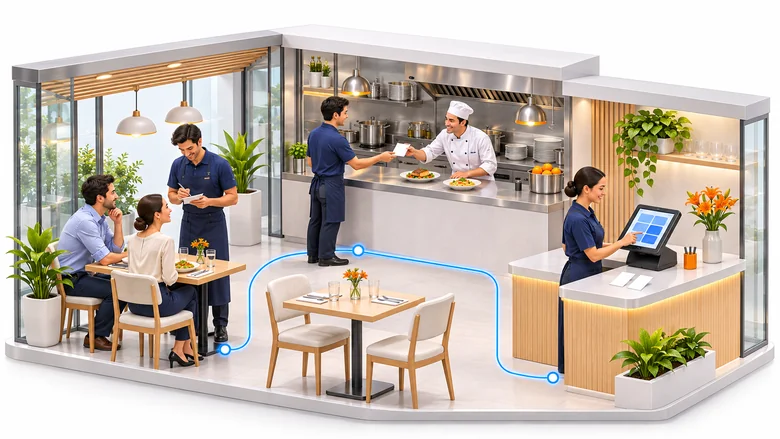
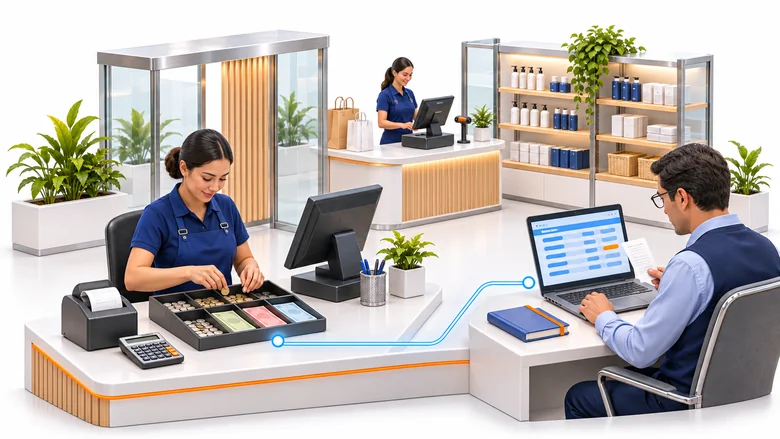
Counter sales, table service and supervision share information, with distinct tasks for each team.
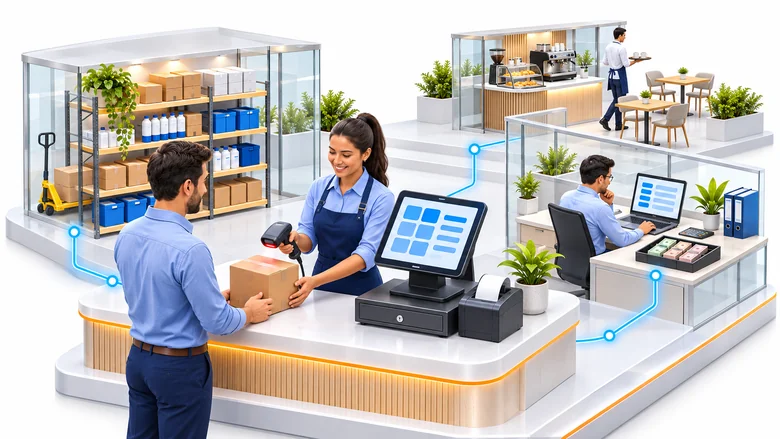
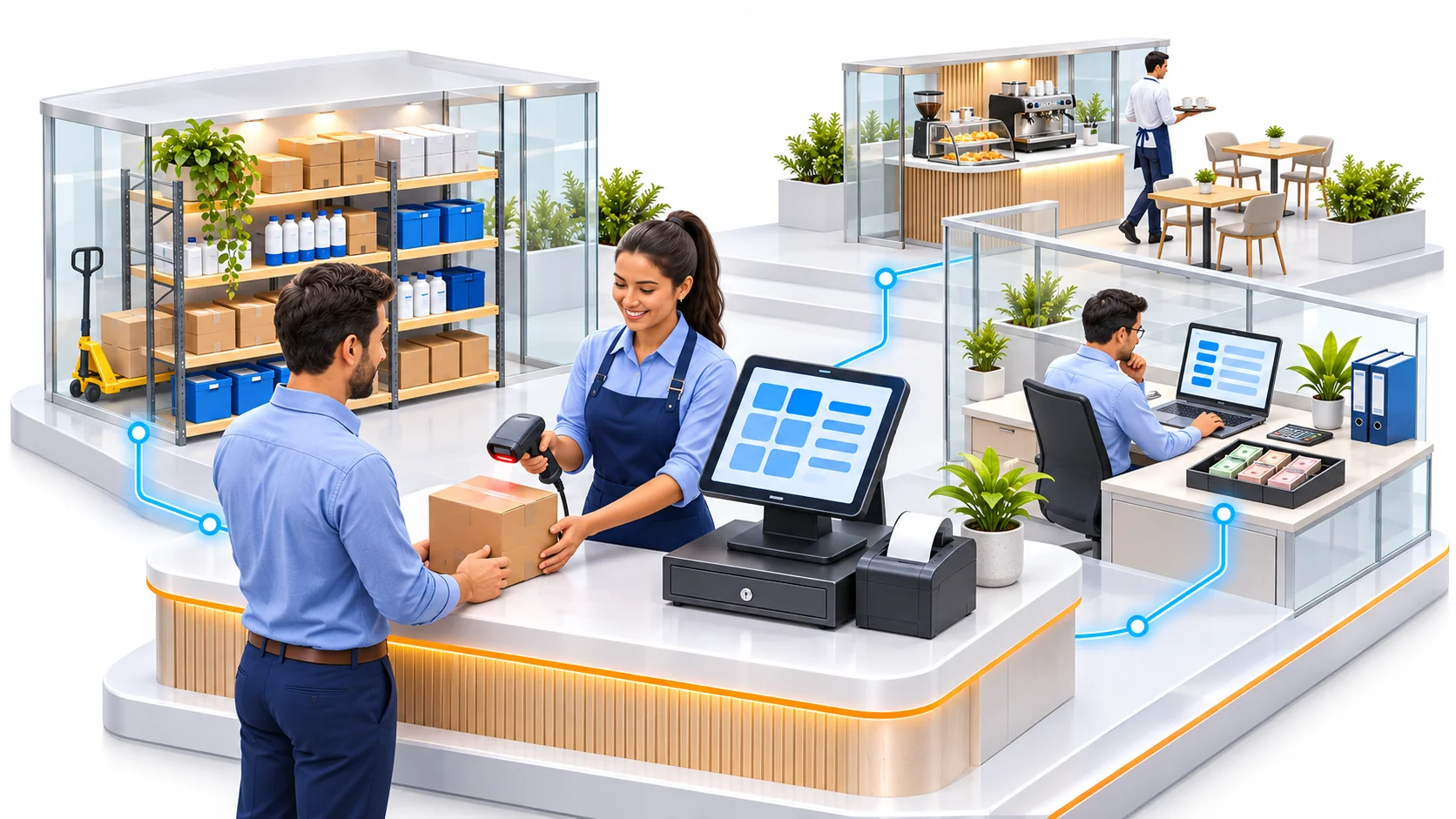
Handle a purchase from start to finish: select products, take payment and provide the document while inventory and accounting receive the transaction.
Example workflow. At a hardware store, a customer combines cash and card payment. The cashier puts another purchase on hold and resumes it without re-entering its products.
An open bill brings the table’s orders together. The kitchen ticket carries the products to preparation, and bill splitting organises payment.
Example workflow. A table adds drinks after its initial order. At the end, some items move to another bill and each group pays for its own order.
Explore the workflow
Organise multiple registers with their own shifts. Blind counting and supervisor review connect declared amounts with what happened during the working day.
Example workflow. The supervisor filters shifts with discrepancies, finds a safe drop, reviews its reason and compares the declared count before authorising a correction.
Explore the workflowPoint of sale uses shared OpenBusiness information. Each connection supports a specific task.
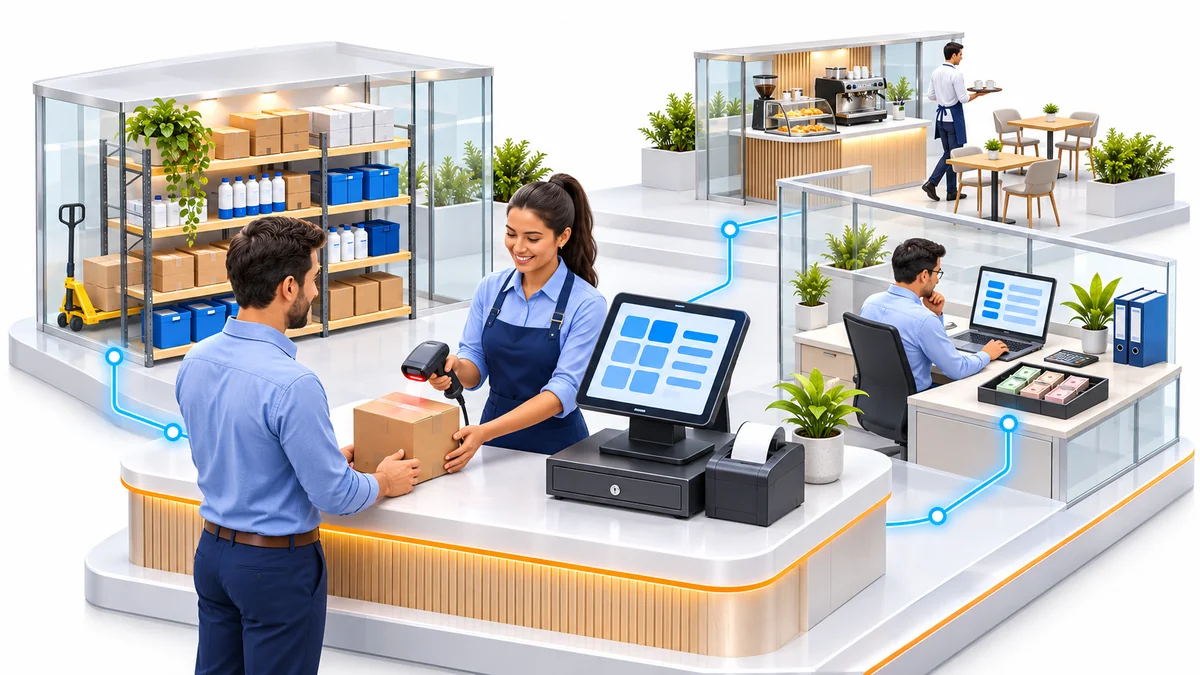
Products and stock feed the sale; payments and returns update stock issues, receipts and cost.
The cart enters the invoice workflow with customer and lines prefilled. Choose the document without issuing an additional POS receipt.
Sales and cost create accounting entries. Payment methods route to configured accounts for review and reconciliation.
The counter and online store work with shared products and inventory. Each channel keeps its own sales workflow.
Prepare for connection outages and the equipment used at checkout.
During an open shift, save sales on the device up to the configured limit. On reconnection, they are validated, numbered, posted to inventory and transmitted. The local receipt indicates pending transmission; issues remain available for resolution.
Use a barcode scanner and browser printing for receipts and kitchen tickets. Check the equipment and configuration; card-terminal totals are declared for payment comparison.
Point of sale shares the system’s catalogue, customers, inventory and accounting. Electronic transmission requires connectivity and the configured issuance service.
Connected calculations, movements and reports reduce repeated data entry.
Recalculate quantities, discounts, taxes and totals when recording the sale.
Confirmed checkout moves stock and creates accounting entries without re-entering the sale.
Review sales and discrepancies to decide what to investigate. The supervisor retains authority over corrections.
Permissions, recorded reasons and guidance support day-to-day operations.
Separate point-of-sale operation, accounting access and supervisor shift reopening.
Keep void reasons, movements and figures from reopened closes.
Use the sales, cash-count and table guides and on-screen guidance. Practise the workflow with your team before starting.
Review products, prices, taxes, opening stock, registers and users. Configure document numbering authorizations and the issuance provider; test the scanner, printing, a payment, a return and a shift close. For restaurants, define tables and the kitchen-ticket workflow. Discuss implementation support with your adviser.
It also supports retail counters and shops. Tables add open bills, kitchen tickets and splitting for businesses with table service.
Yes. Record amounts in cash, transfer, debit or credit card and cheque. Cash payments support change calculation.
During an open shift, save sales on the device up to the configured limit. On reconnection, they are validated, numbered, posted to inventory and transmitted. The local receipt indicates pending transmission; issues remain available for resolution.
No. Choosing an invoice transfers the details to the invoicing workflow without also issuing an electronic POS receipt for that sale. Review and confirm the invoice in that workflow.
The cashier declares the count without seeing the expected amount. The discrepancy appears after the close is confirmed; this behaviour is configurable.
The receipt, invoice and adjustment-note descriptions on this page refer to the Colombian DIAN workflow. Discuss the requirements of your operation and country with the sales team.
Tell us what you sell, how many registers you use and whether you offer table service. Let’s review the workflow your team needs.