 OpenBusiness by Tradebook
Prices with a clear basis
See cost, price, gross profit and margin for each line and the whole proposal. Understand the effect of a discount before committing to a price.
Quote, invoice with DIAN, sell online and chat on WhatsApp from a single customer record.
SCServices and ContractsOperations manager · Deliver and billQuote with margin, run orders at actual cost, sign contracts and serve in the field.
ABSupply and ProductionPurchasing / logistics / plant · Source and produceManage purchasing, inventory, imports and production, with lot tracking, quality control and actual cost per order.
FIFinanceAccounting / financial management · Balance the booksEvery operation is reflected in your accounts. Manage taxes, banks, assets and period closing.
PEPeopleHuman resources · Care for the teamElectronic payroll and social security contributions, signed uniform deliveries and tracking of valid courses and certificates.
PLPlatformIT / management · Included with every purchaseAutomate tasks, ask your AI assistant, connect other applications and control access and changes.
Staffing contracts by site, special services, supplies at cost, AIU and per-worker annex.
SCPEABPrivate securityStaff per post with surcharges, uniforms and PPE with signed records, training with expiry dates.
SCPEFITemporary staffing and outsourcingWorkers on assignment, pre-invoice per worker, electronic payroll and PILA costed to the client.
PESCFIDistribution and consumer goodsRoutes and collections with Trade360, inventory movement records per warehouse, filling and packing, catch weight, batch labels.
COABSCRetail, stores and restaurantsPoint of sale with electronic POS document, online store, marketplaces and inventory.
COABFIImporters and trading companiesImport and export checklists, import declaration costs included in inventory and foreign currency operations.
ABFICOManufacturing and industryRecipes and bills of materials, production orders, actual cost, make-to-order, purchasing and batches.
ABPEFITechnical service and maintenanceField work orders with forms and evidence, support with agreed response times and spare parts tracked in inventory.
SCABCOGovernment contractors and suppliersContracts with Colombia’s SECOP II procurement platform, adjustments based on inflation, minimum wage or tax units, agreed service times, insurance policies and document history.
SCFIPEAgribusinessHarvest or livestock intake with weighing, quality and settlement; batches and traceability; field staff.
SCPEABFood and beverageBatch recipes, signed critical control points, traceability to origin, catch weight and harvest settlement.
ABFICOChemicals, cleaning products and cosmeticsPercentage formulas with versions, pH and viscosity as critical points, health notification and data sheets.
ABFICOCalculate labor, supplies and equipment before offering a price. Turn the quote into a service order and compare hours, consumption and actual costs with your margin in view.

A quote estimates cost and margin; a service order brings together what happens during delivery. OpenBusiness connects both stages to explain the difference between budget and actuals.
See cost, price, gross profit and margin for each line and the whole proposal. Understand the effect of a discount before committing to a price.
Record dispatched supplies, return unused items and bring hours and external costs together in the order.
Compare budgets and actuals, review labor as a share of revenue and identify orders below the expected margin.
Sales sets the price; operations records the work; administration reviews costs and billing; management checks the result.
Use a service template, adjust people, hours, supplies and equipment, then review the margin before sending.
Create the order from an approved quote. Record time, dispatches and returns, and manage scope changes.
Reconcile the period with payroll and supplier costs. Review the billing draft and its staff breakdown.
Review actual costs and margin, investigate differences and use observed work rates in the next quote.
Explore the tools at each stage. Access to internal costs follows your team's permissions.
Costs sit alongside prices and discounts. Your team sees the margin before sending the proposal.
Estimate employer cost using configured Colombian parameters and convert it to hourly, daily or monthly rates without requiring a payroll module.
Bring the site, owner, materials, hours, documents and scope changes together in the job you sold.
Track staff and supplies monthly to compare planned work with actual delivery.
Prepare fixed-price or consumption-based billing and review the period's margin before creating the invoice.
Review profitability by order, customer, owner and month, with site and contract as the service context.
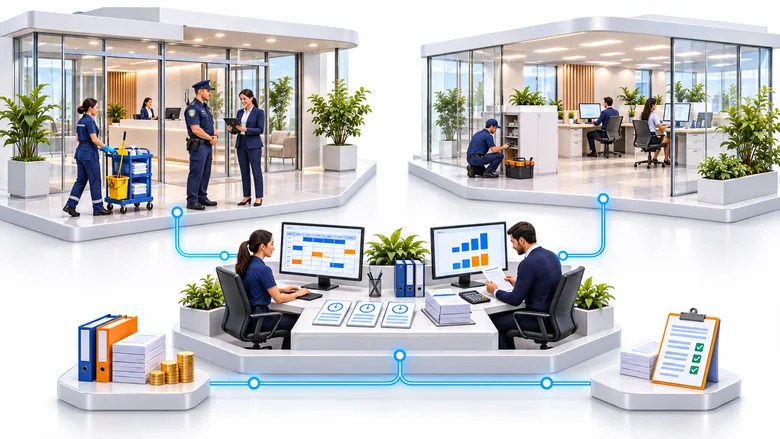

From permanent staff at a site to a one-off job: choose the process that matches your operation.
Quote the team each location needs and review labor costs, supplies and the billing draft every month.
Demonstration example. In the demonstration scenario, a monthly service is agreed at COP 4,200,000. The team imports 200 operator hours and 10 supervision hours; administration reviews their cost and resolves an unassigned row before preparing the billing draft.
Explore this process
Budget a specific job, record hours and materials, and return unused supplies before reviewing the result.
Demonstration example. The demonstration guide compares 4 budgeted hours with 5 actual hours at COP 12,900: labor cost of COP 64,500. A material return of COP 15,000 reduces the order's supply cost.
Explore this process
Connect the service budget with monthly delivery, AIU review and the worker attachment supporting billing.
Demonstration example. A cleaning contractor gathers the period's hours and costs, reviews staff by site and prepares the billing draft. The accountant validates the applicable basis and the team checks electronic invoicing enablement before issuance.
Explore this process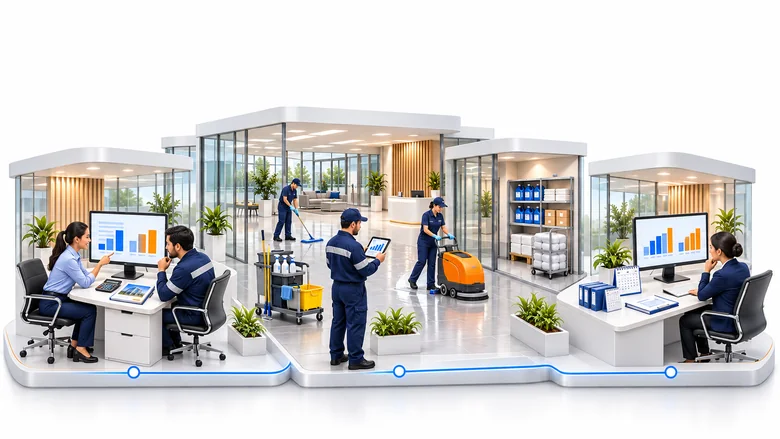
Compare one-off and recurring services, identify each order's site and analyze customer, owner and month.
Demonstration example. Management reviews an order below minimum margin, compares hours and materials with the budget and returns to its documents to explain the deviation. It checks the update timestamp before comparing monthly results.
Each department contributes part of the cost or revenue. These connections help you trace information within OpenBusiness.

The approved quote supplies the order's budget; the billing draft creates a draft invoice and invoices feed the invoiced value.
Confirmed dispatches and returns record the order's material consumption in the same inventory system.
Linked purchase orders show commitments; supplier invoices and direct expenses contribute actual costs.
Supplies generate cost-center entries under the accounting configuration. Reconciliation compares management costs with the ledger.
Rates can use employer cost, and services can receive labor costs by worker and period. Service costing does not post that payroll a second time.
Recurring orders link to the contract and contribute costs and margin to financial tracking.
Dispatch records, supporting documents, closing reports and staff attachments remain associated with their documents.
Coordinate site activity, hours and evidence with service tracking. Define how both workflows connect during implementation.
The customer opportunity stays linked to quotes and orders; authorized sales staff can review margins.
Review profitability and low-margin orders in reports and copilot queries, with permission-based access.
Cost services using role-based rates and receive actual costs from another system. Prepare the exchange so each amount reaches the correct site and period.
Maintain costs and selling prices by role. Receive actual labor costs from your payroll system without changing where payroll is run or duplicating its accounting entry.
Import costs by worker, order and period, or use the API, a credential-protected exchange interface. Review issues and assign costs that have no destination.
Export Excel or PDF reports and reconcile with administration. If accounting stays outside OpenBusiness, agree on mapping and the cost flow; the connection is configured for your sources.
Alerts, automation and assisted queries help you review operations. Your team retains control over prices, scope changes and invoices.
Receive alerts for hours or supplies over budget and margins below minimum, linked to the job that needs review.
Use service events to trigger notifications and tasks in your configured process, with clear responsibility for each decision.
Check an order's result, which orders are below minimum or a quote's margin. The copilot respects permissions and links back to the document.
Learn the process inside the product and define who can view, edit, approve and close.
Separate permissions to view costs, edit, approve and close. Customer proposals keep the internal cost structure private.
Follow scope changes, dispatches, time and closing. Retain supporting records and owners to review what happened.
Help explains rates, orders, costs and billing drafts. The “Automate Services” course guides you through a notification when an order closes, with steps and hints in the editor.
Prepare roles, rates, materials, sites, cost centers and owners. Test a quote, a return and a monthly close with your data; validate the external file and invoice with administration. Discuss onboarding assistance and support channels with the sales team.
Margin divides gross profit by selling price; markup compares it with cost. OpenBusiness distinguishes both and can suggest a price from a target margin.
Yes. A one-off order covers a job and its close; a recurring order organizes periods to compare each month's budget, delivery and invoiced value.
Yes. Rates work without running payroll in OpenBusiness, and actual costs can arrive through files or an API. Prepare order, cost-center and period mapping with your team.
They are recorded as returns against the dispatch and reduce supply consumption. Returnable equipment is tracked separately.
AIU stands for administration, contingencies and profit in Colombia. The product calculates the configured basis; your accountant validates applicability and electronic issuance requires provider enablement.
It distinguishes invoiced value, costs and results. When no invoice exists, analysis uses the agreed price as projected revenue. Review the detail and update timestamp.
These pages describe the same product. The cost and tax configuration described is for Colombia and does not imply fiscal localization or ERP support in other countries.
Tell us how you quote, deliver and bill today. We can review a workflow and the information you need to understand its results.