 OpenBusiness by Tradebook
Sizes with a history
Maintain each person's size profile and changes. Employees update sizes in their portal, giving your team the information needed for upcoming handovers.
Quote, invoice with DIAN, sell online and chat on WhatsApp from a single customer record.
SCServices and ContractsOperations manager · Deliver and billQuote with margin, run orders at actual cost, sign contracts and serve in the field.
ABSupply and ProductionPurchasing / logistics / plant · Source and produceManage purchasing, inventory, imports and production, with lot tracking, quality control and actual cost per order.
FIFinanceAccounting / financial management · Balance the booksEvery operation is reflected in your accounts. Manage taxes, banks, assets and period closing.
PEPeopleHuman resources · Care for the teamElectronic payroll and social security contributions, signed uniform deliveries and tracking of valid courses and certificates.
PLPlatformIT / management · Included with every purchaseAutomate tasks, ask your AI assistant, connect other applications and control access and changes.
Staffing contracts by site, special services, supplies at cost, AIU and per-worker annex.
SCPEABPrivate securityStaff per post with surcharges, uniforms and PPE with signed records, training with expiry dates.
SCPEFITemporary staffing and outsourcingWorkers on assignment, pre-invoice per worker, electronic payroll and PILA costed to the client.
PESCFIDistribution and consumer goodsRoutes and collections with Trade360, inventory movement records per warehouse, filling and packing, catch weight, batch labels.
COABSCRetail, stores and restaurantsPoint of sale with electronic POS document, online store, marketplaces and inventory.
COABFIImporters and trading companiesImport and export checklists, import declaration costs included in inventory and foreign currency operations.
ABFICOManufacturing and industryRecipes and bills of materials, production orders, actual cost, make-to-order, purchasing and batches.
ABPEFITechnical service and maintenanceField work orders with forms and evidence, support with agreed response times and spare parts tracked in inventory.
SCABCOGovernment contractors and suppliersContracts with Colombia’s SECOP II procurement platform, adjustments based on inflation, minimum wage or tax units, agreed service times, insurance policies and document history.
SCFIPEAgribusinessHarvest or livestock intake with weighing, quality and settlement; batches and traceability; field staff.
SCPEABFood and beverageBatch recipes, signed critical control points, traceability to origin, catch weight and harvest settlement.
ABFICOChemicals, cleaning products and cosmeticsPercentage formulas with versions, pH and viscosity as critical points, health notification and data sheets.
ABFICOOrganize sizes, workwear and personal protective equipment (PPE). Prepare each issue period, collect signed receipts and track replacements, returns and costs in one place.

Manage workwear, protective equipment and returnable items. Each type keeps its own rules, so your team knows what to issue, what is missing and which records belong to each person.
Maintain each person's size profile and changes. Employees update sizes in their portal, giving your team the information needed for upcoming handovers.
Distinguish missing size information, an absence and a stock shortage. Review coverage by period and location to organize the next step.
Look up issued items, their receipts and signature status. Track costs by location, client and employee, with the underlying inventory movement.
People teams, stores and supervisors work from the same plan. Exceptions remain visible until resolved.
Evaluate employee data and the period's policy; resolve the kit by role, location and client using current sizes.
Reserve inventory and consolidate demand. Review a purchasing or transfer proposal before passing it to the appropriate workflow.
Record the quantities actually handed over. Generate a receipt per employee and obtain a signature on screen, in the portal or through a link.
Follow unsigned receipts, replacements and protective-equipment expiry dates. Review coverage and costs, and export reports.
Explore the tasks in each area. Kits and policies retain their effective dates; changes do not rewrite what an employee has already received.
Define what each person receives and why, keeping periodic workwear separate from protection and returnable equipment.
Prepare handovers with current employee information and clear reasons for exceptions.
Turn location needs into organized handovers and specific shortages.
Each receipt identifies the person and the items actually received, including partial handovers.
Track equipment life and document what happens when an item is replaced or must be returned.
Connect each handover to its cost and the evidence your team needs.
From a regular workwear issue to returning a radio, each process retains its reason, owner and supporting record.
Organize the workwear due in each period. OpenBusiness evaluates policy, prepares kits and sizes, and tracks handovers through to signature.
Usage example. A supervisor reviews sizes before the cutoff and records an absence. When the employee returns, the supervisor completes the handover and collects the signed receipt.
See how it works
Turn the protection defined by your safety team into personal protective equipment (PPE) kits. Track handovers, useful life and replacements, with reasons and evidence.
Usage example. An operator requests replacement gloves due to normal wear. The supervisor reviews the request and records a new handover without charging the employee.
Explore this process
Assign kits by role, client and location. Keep track of who received each garment and prepare billing at cost when the client agreement provides for it.
Usage example. A cleaning company issues a shopping center uniform. The signed receipt supports a draft client invoice with an appendix per employee.
Explore this process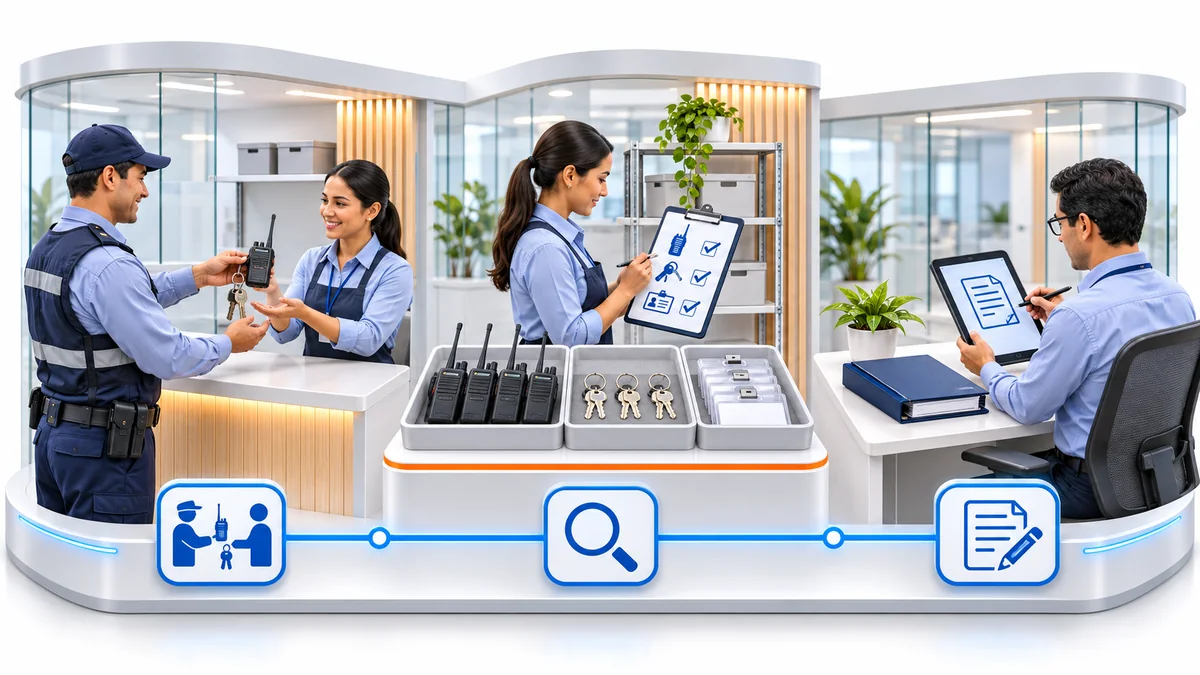
Review returnable items still held by an employee. Record their return or non-return; any charge needs a signed authorization.
Usage example. A security guard returns a radio and keys. The supervisor checks the list and records their condition; statutory workwear is not treated as a returnable asset.
See how it worksUse the information already in OpenBusiness. Each connection supports a specific task in the workwear cycle.

Stock and reservations feed the plan; issues and returns update movements by size and warehouse.
Contracts and absences inform the operation; a signed authorization enables the corresponding employee charge.
Shortages become purchasing drafts; goods receipts restore availability for pending handovers.
Handover cost is posted using the accounts and cost center configured for the location.
Receipts and authorizations link to the person and handover, with signatures and configurable retention.
Billable handovers are grouped into a draft at cost, with employee details for review.
Workwear events trigger the reminders and actions your team configures.
Dedicated employee profiles let you use this module without enabling OpenBusiness Payroll. Exchanges with other applications require agreed data, permissions and validation.
Enter or import start date, reference salary, role, location and client. Authorized charges can be managed as internal employee balances, while absences are recorded manually.
Retrieve plans by location and handover status, or submit handovers with signatures through the API. Retry identifiers help prevent duplicates. Import profiles, sizes, kits and historical records from files.
Handovers use OpenBusiness Inventory stock and movements. If another application manages your warehouse, review the required exchange and reconciliation before defining the integration.
Automate follow-up and query module information with the copilot. Policies, approvals and authorizations continue to determine which actions are allowed.
Configure alerts for approaching cutoffs, low coverage, unsigned receipts and expiring protection. Connect events to notifications and follow-up actions.
Ask about coverage for a period or an employee's issued equipment. Consult available context without replacing risk assessments or deduction authorizations.
The “Automate Uniforms and PPE” lesson guides you through creating and testing a notification when a handover is recorded. Your team chooses the recipient and when to activate the workflow.
Start with your operational data and rules, pilot one location and expand with clear responsibilities.
Separate viewing, issuing, administration and approval roles. The portal shows the signed-in person's information; documents retain signature evidence and configurable retention.
Review kits, sizes, warehouses, policies and accounts. Import initial information and correct row-level errors before a pilot handover.
Use help for the catalog, plans, handovers, replacements and reports. Agree the pilot, responsibilities and required assistance with the implementation team.
No. Periodic workwear and personal protective equipment have different purposes and rules. OpenBusiness distinguishes them in the catalog, kits and tracking. Your team defines protection according to workplace risks.
The plan retains the reason for the pending item. You can issue available stock and complete the rest later; the receipt records only the items received in that handover.
No. The receipt acknowledges the handover. For a charge arising from loss, damage or failure to return an item, the system requires a separate signed deduction authorization. Normal wear is handled as a replacement without an employee charge.
Yes. Use dedicated workwear profiles and import employee data. Sending information or charges to external payroll requires an agreed format and process; an automatic connector is not assumed.
It prepares a draft at cost for signed, billable handovers that have not already been invoiced, with an appendix per employee. Your team reviews and issues the invoice in Sales.
Yes. Import adds the history without repeating inventory issues. Importing a handover does not create a new electronic signature or turn a historical entry into evidence signed through OpenBusiness.
The supervisor downloads the location plan, records handovers and signatures offline, then synchronizes. Operations have identifiers to prevent duplicates, and conflicts are checked against the server state.
Tell us how you organize roles, locations, clients and warehouses. Together we can review the path from kit selection to signed receipt and cost.