OpenBusiness by Tradebook
Product
Cleaning and facility management

Staffing contracts by site, special services, supplies at cost, AIU and per-worker annex.

SCPEAB
Private security

Staff per post with surcharges, uniforms and PPE with signed records, training with expiry dates.

SCPEFI
Temporary staffing and outsourcing

Workers on assignment, pre-invoice per worker, electronic payroll and PILA costed to the client.

PESCFI
Distribution and consumer goods

Routes and collections with Trade360, inventory movement records per warehouse, filling and packing, catch weight, batch labels.

COABSC
Retail, stores and restaurants

Point of sale with electronic POS document, online store, marketplaces and inventory.

COABFI
Importers and trading companies

Import and export checklists, import declaration costs included in inventory and foreign currency operations.

ABFICO
Manufacturing and industry

Recipes and bills of materials, production orders, actual cost, make-to-order, purchasing and batches.

ABPEFI
Technical service and maintenance

Field work orders with forms and evidence, support with agreed response times and spare parts tracked in inventory.

SCABCO
Government contractors and suppliers

Contracts with Colombia’s SECOP II procurement platform, adjustments based on inflation, minimum wage or tax units, agreed service times, insurance policies and document history.

SCFIPE
Agribusiness

Harvest or livestock intake with weighing, quality and settlement; batches and traceability; field staff.

SCPEAB
Food and beverage

Batch recipes, signed critical control points, traceability to origin, catch weight and harvest settlement.

ABFICO
Chemicals, cleaning products and cosmetics

Percentage formulas with versions, pH and viscosity as critical points, health notification and data sheets.

ABFICO
Recommended suites:COSalesSCServices and ContractsABSupply and ProductionFIFinancePEPeople
Skip to content
Field operations · Trade360

Every field visit, connected to your business.

Coordinate technicians, sales teams and deliveries. Trade360 puts schedules and tools on their phones; each visit provides information and evidence for the office to act on, even when it is recorded offline.

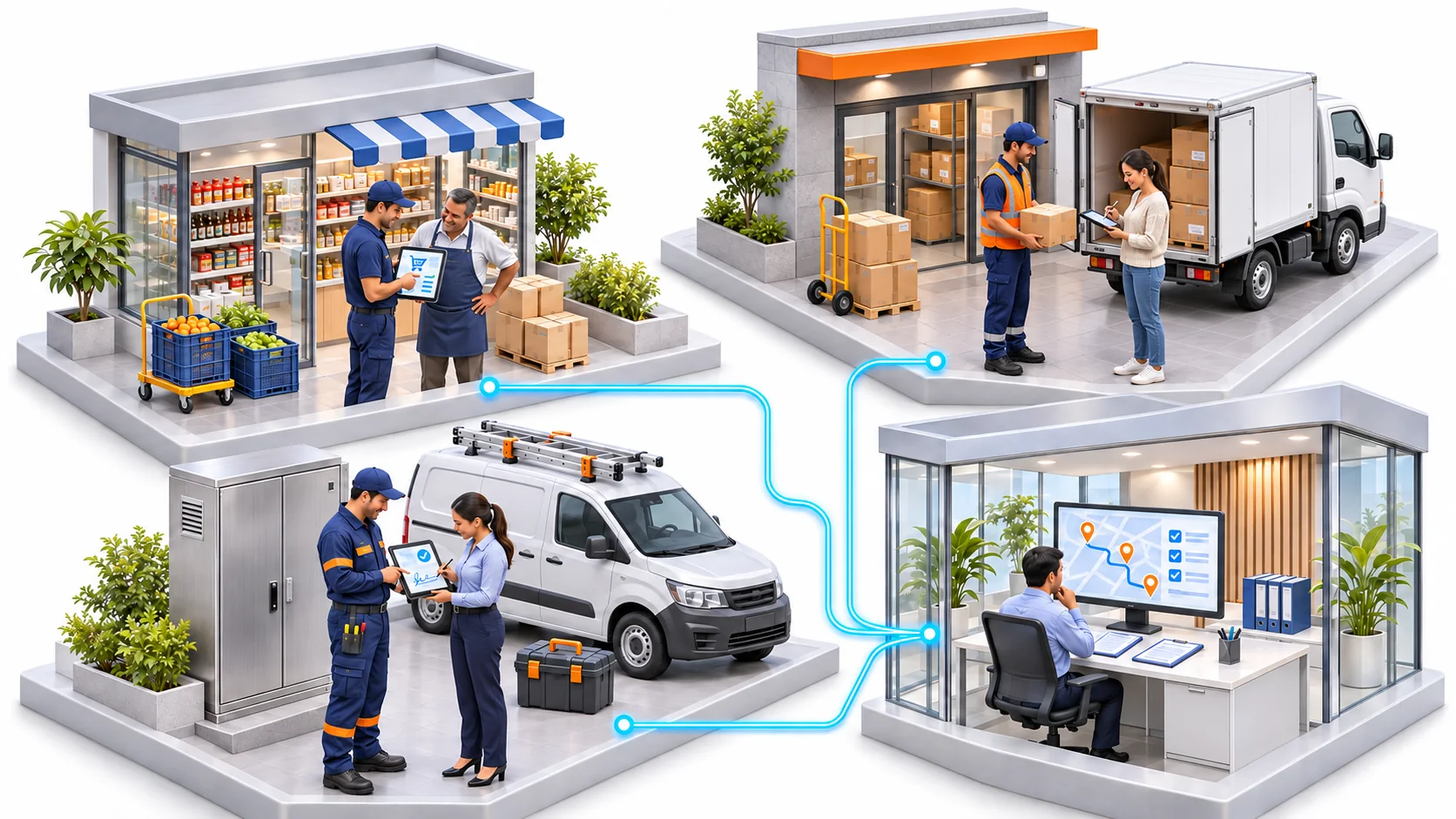
A sales representative in a store, a technician with a customer and a driver delivering a parcel, connected to a coordination office.
Trade360

A way of working for every operation.

Field service, consumer goods and logistics share a foundation of visits, forms and monitoring. Each team works with its own tasks, data and rules.

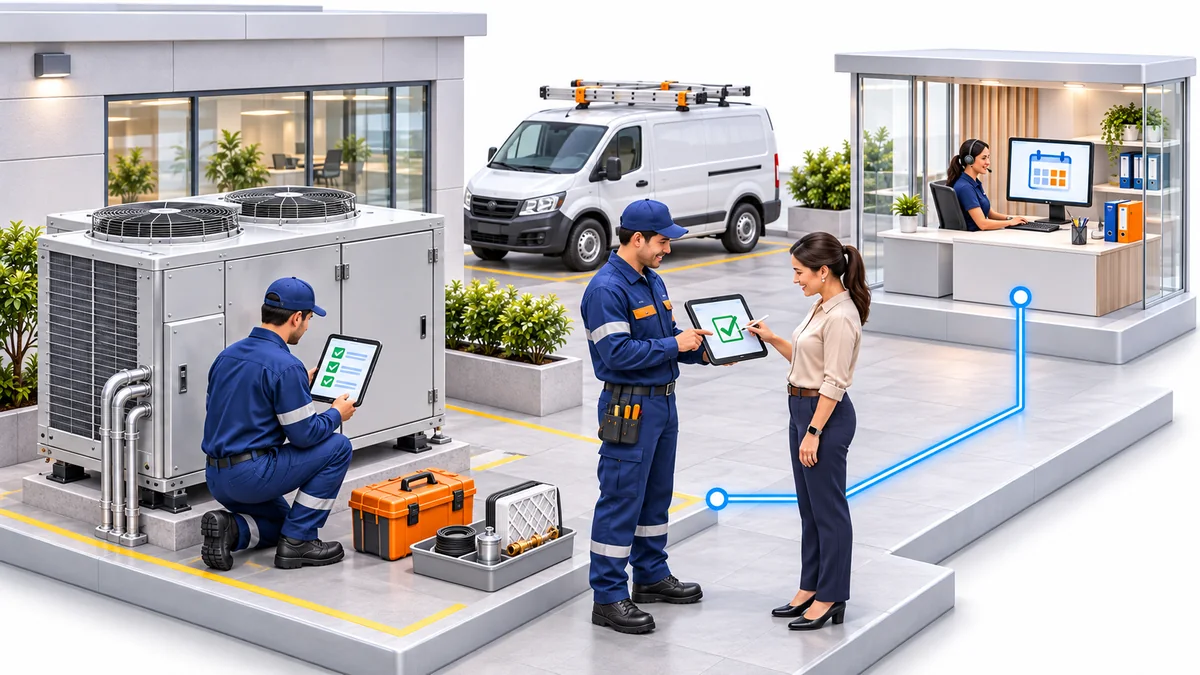
Technicians record an HVAC inspection and a customer's confirmation, with a coordinator in the background.
01

Field Service

Schedule installations, maintenance and inspections. Technicians receive the task, record checks and materials, and provide a report with photos and customer confirmation.

  • HVAC
  • Telecommunications
  • Energy
  • Cleaning and facilities

In practice. A technician performs a maintenance visit, documents findings and spare parts used, and requests the customer's signature. Coordination reviews the completed visit and uses the evidence to continue managing the service.

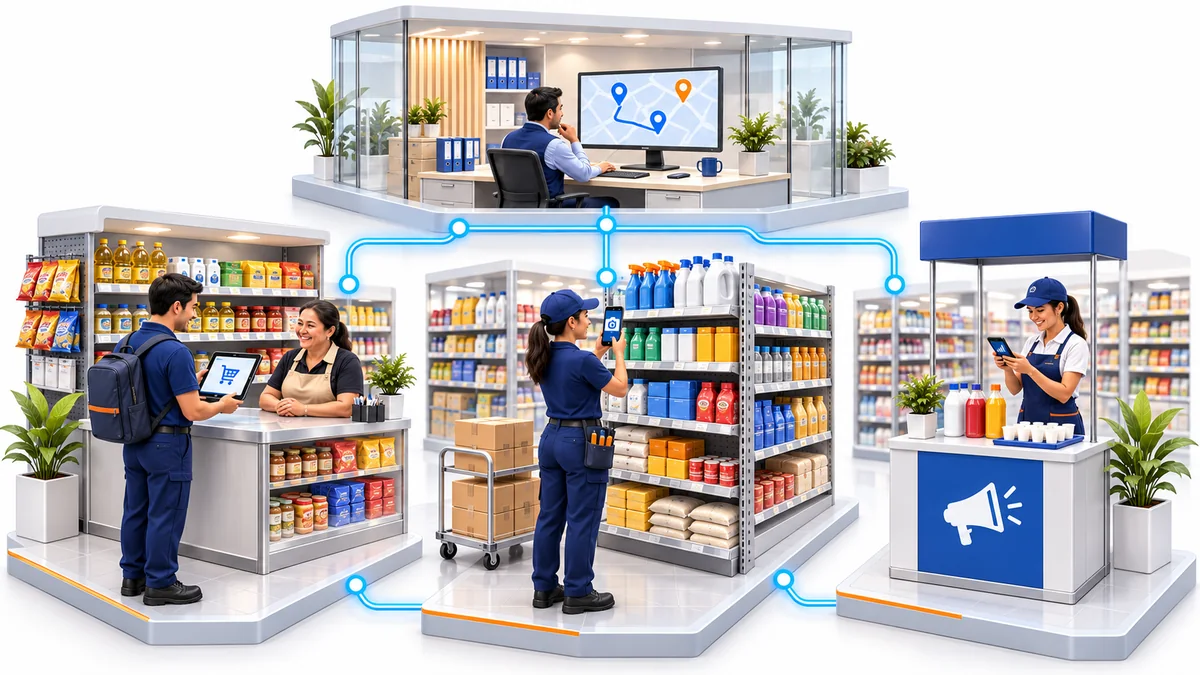
A representative takes an order, a merchandiser photographs a display and a promoter reports an activation, connected to a supervisor.
02

Consumer goods and retail execution

Sales representatives, merchandisers, brand promoters and supervisors work around each retail location. Connect visits, orders, collections, prices, displays and brand activities.

  • Food and beverages
  • Personal care
  • Household cleaning
  • Distribution

In practice. A sales representative takes an order and records a payment; a merchandiser reports missing stock and photographs the display. The supervisor reviews coverage and store issues to guide the next visit.

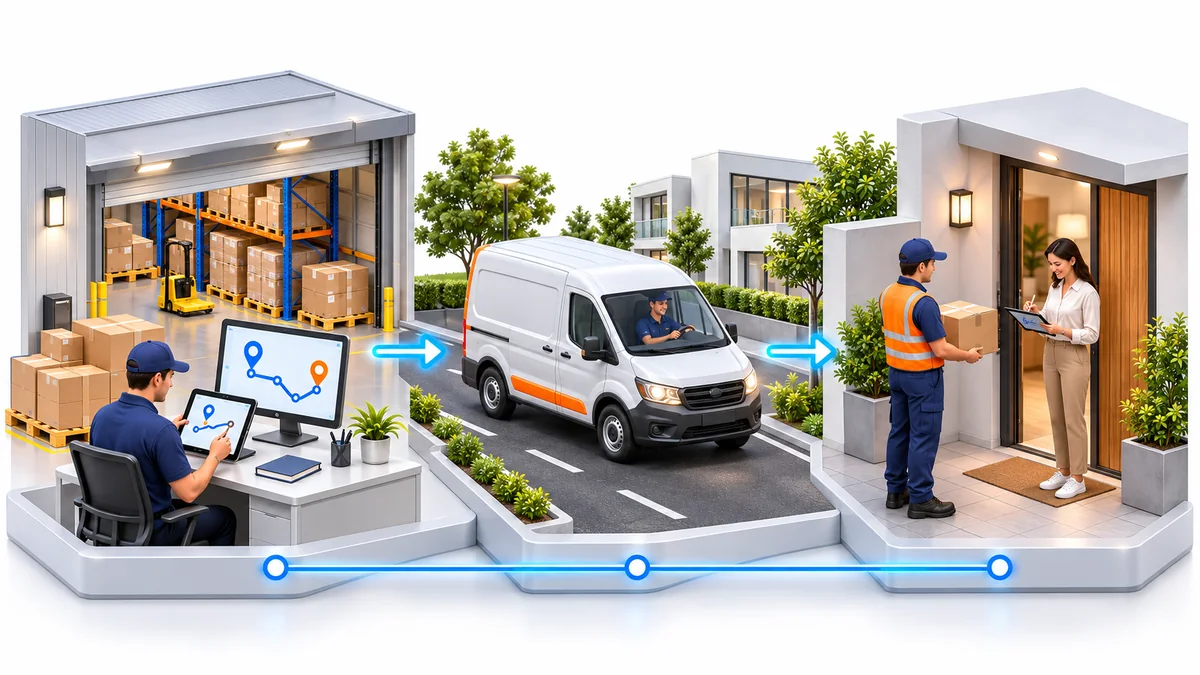
Dispatch preparation, a van on its route and a parcel handover confirmed on a tablet.
03

Logistics and last mile

Organize routes and dispatches, follow the journey and document receipt. The last mile, the final stretch to the recipient, stays linked to the activity and its evidence.

  • E-commerce
  • Retail distribution
  • Furniture and appliances
  • Agribusiness

In practice. A driver receives the route and records delivery time, location, photos and a signature. If the destination is closed, the driver records the reason and evidence; coordination reschedules the activity and keeps its history.

Trade360

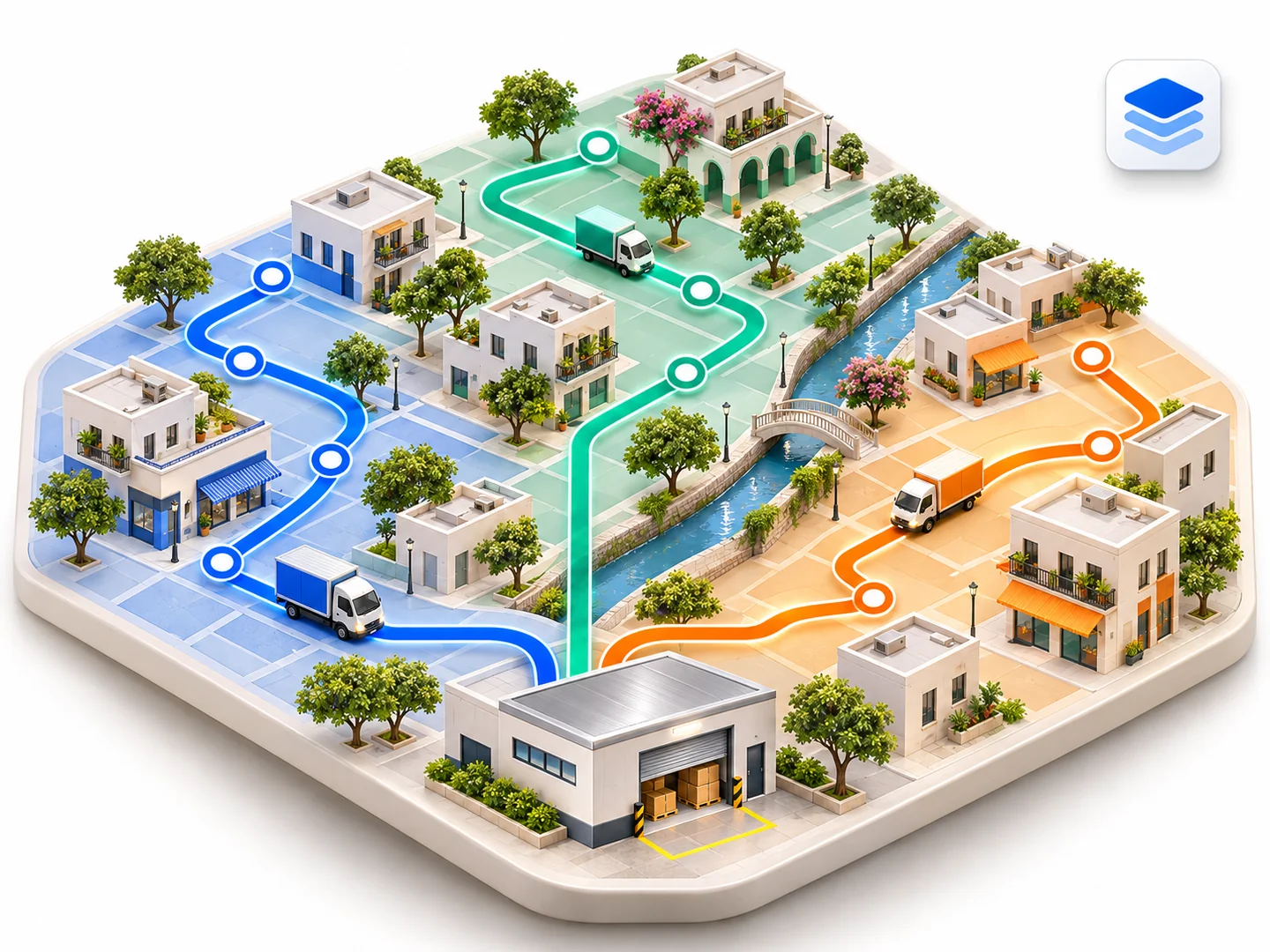
Route optimization

Distribute visits among available vehicles and put each route in order. Once published, every driver can see their upcoming stops in Trade360.

Explore route optimization
Map of three delivery routes leaving one depot to serve different parts of a city.
From field to office

Stop piecing together the day from scattered messages.

Trade360 is the field operations product connected to OpenBusiness. It brings together scheduled work, completed tasks and activity evidence so you can review what happened and decide what comes next.

One visit, a complete record

The schedule, owner, status and evidence are linked to the activity. Find the context without searching separate conversations for photos, notes and confirmations.

Keep going without a signal

The team records work using data prepared on the device. When connectivity returns, pending records synchronize and the office can review what happened.

Visibility to make decisions

Review completed visits, reasons for missed visits, time spent and issues. See work by person, customer or territory and coordinate the next action.

A day with Trade360

Plan. Carry out. Record. Follow up.

The same working sequence supports a sales visit, a maintenance job or a delivery. Forms and statuses adapt to your operation.

  1. Prepare the day

    Assign people or vehicles, customers, times and activities. Download the data and forms the team needs before heading out.

  2. Arrive and carry out the task

    Check the visit, record arrival and follow the defined process. Perform the service, take the order or deliver the goods with the relevant information.

  3. Capture the evidence

    Complete required fields, take photos, record materials or issues, and request a signature when the process calls for it.

  4. Synchronize and review

    Send records when connectivity returns. Coordinators review statuses, evidence and outstanding tasks, while configured workflows continue the process in the office.

Dispatch preparation, a van on its route and a parcel handover confirmed on a tablet.
Tools

The right task, with the information at hand.

Combine these tools to build the process your team needs. Expand each one to see what it does.

Forms and evidence

Capture what you need to know where the work happens.

  • Fields, lists, tables, photos, barcodes, location and signatures in forms tailored to the activity.
  • Validation and required fields guide data entry; prepared forms let teams keep working offline.

Processes and statuses

Guide each visit from assignment to completion.

  • Define stages and transitions for maintenance, sales, delivery or inspection.
  • Link forms and actions to the stage where they are needed.

Schedules and visit routes

A visit route is an organized set of stops assigned to a person.

  • Plan customers, territories and recurring visits, and check the daily schedule.
  • Add unplanned visits and record why an activity could not be completed.

Order taking

Agree the order with the customer and record products and quantities.

  • Consult the catalog and customer-specific pricing and discount rules.
  • Capture orders offline and send them to the office or business system through the configured integration.

Collections and payments

Support the visit with receivables information and payment recording.

  • Record payment method, notes and discounts according to the process rules.
  • Track collected funds and their reconciliation; posting to receivables is configured with the business system.

Location-based management

Manage work on a map: people, customers, territories and journeys.

  • Use location layers and historical routes to understand coverage and travel.
  • The information received depends on device permissions and connectivity.

Clock-in and clock-out · In & Out

Record attendance with time and location, in or out of the office.

  • Adapt event types to arrivals, departures or patrol rounds.
  • Offline records synchronize later; attendance exceptions are reviewed under your workforce rules.

Route optimization

Organize journeys around your operating constraints.

  • Assign tasks to people or vehicles considering territories, capacity and service windows.
  • Work with your own fleet or contractors and reschedule when issues arise; route calculation and maps require configured services.

Operational monitoring

Connect visit status to the journey and its evidence.

  • Review completion, punctuality, visit duration and reasons for missed activities.
  • Use maps, indicators and analysis tables; offline records appear after synchronization.

No-code applications

Adapt data capture and processes with visual tools.

  • Build forms and workflows for each team's tasks without rebuilding an app for every use case.
  • Define rules, owners and data exchanges; specialized connections are assessed against their requirements.
More ways to use it

Agricultural visits and on-site teams.

Agricultural visits and technical support

For crops, livestock and rural advisory services, organize farm visits and tailor forms to each activity's observations. An adviser records findings and photos offline; after synchronization, coordination reviews the visit and plans follow-up.

On-site personnel and patrols

For security, cleaning and facilities teams, use clock-in and clock-out records and site-specific forms. Supervisors review attendance, routes and issues, checking exceptions before continuing the workforce attendance process.

OpenBusiness + Trade360

Field work continues in OpenBusiness.

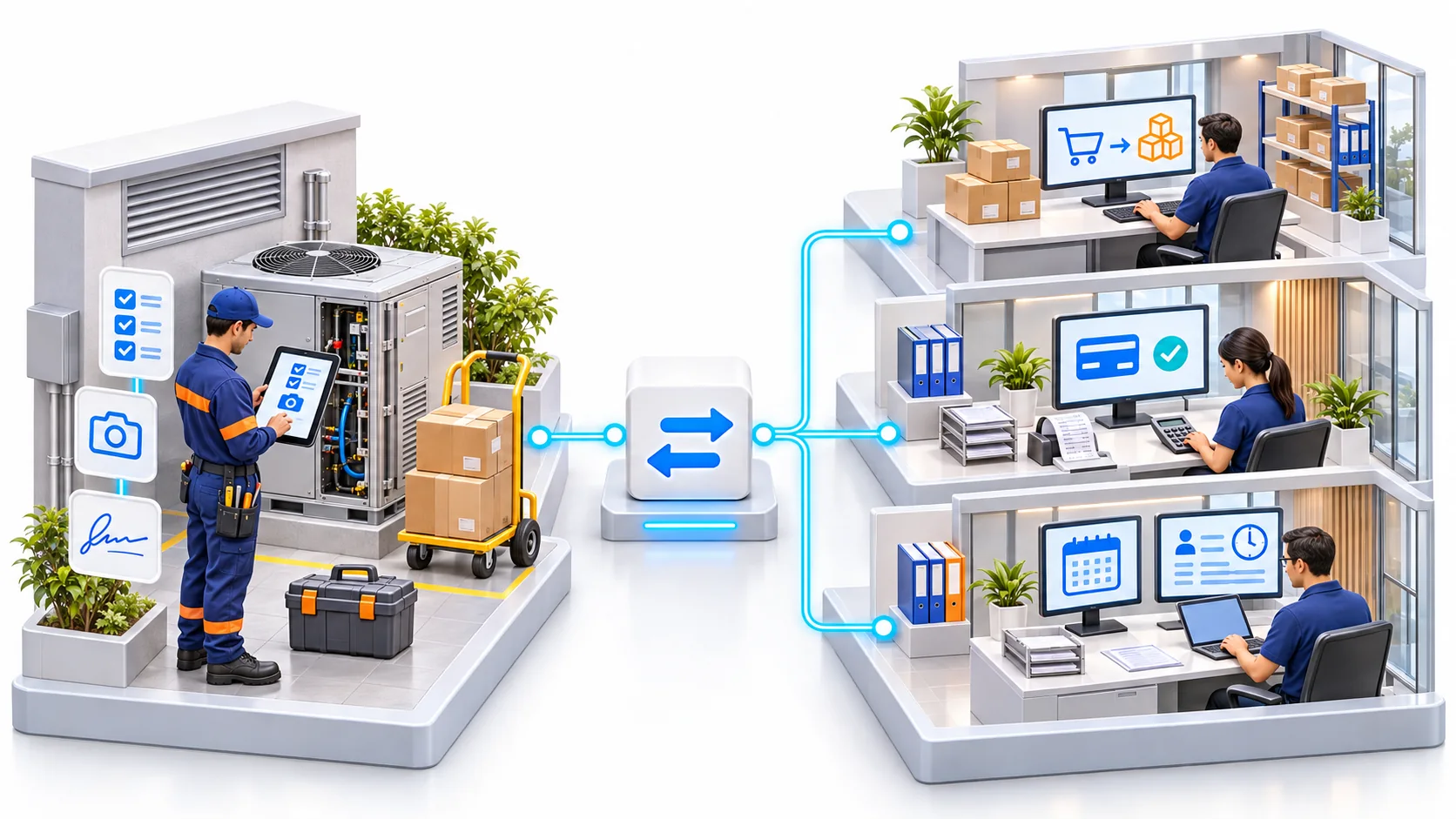
Trade360 keeps the visits, forms and retail locations. Configured data exchange connects that operation to your business teams: data, direction, validation and update timing are defined for each process.

A worker with a tablet shares records through a synchronization point with sales, finance and service coordination teams.

Service orders

Schedules guide field work; hours, service records and consumption feed service management through the agreed exchange.

Attendance and payroll

Attendance records by person and site support workforce review. Identities, schedules and rules determine which exceptions are processed.

Sales

Catalogs and terms go to the team; orders go to the office to continue the sales cycle with the defined validation.

Inventory

Connect deliveries, materials and consumption to stock control. Define which document creates the movement and when it is updated.

Customer management

Connect customers and visits to relationship follow-up. Field outcomes provide context for the next customer interaction.

Help desk

Route field issues and faults into the support process, with evidence and assigned owners.

Contracts

Connect service commitments to visits and evidence of work to monitor the agreed service.

Automation

Submitted forms, visit statuses, orders and collections trigger actions. Configured workflows exchange information and send entities back to Trade360.

Integration

With OpenBusiness or the systems you already use.

Manage field operations in Trade360 and connect them to your business system. Each integration is scoped around the process and available data.

A dedicated field operation

Trade360 keeps visits, forms and retail locations. Your team works in that environment and shares the information other departments need.

Process-specific exchange

Web services, imports and automation connect systems. Identifiers, data, validation and responsibilities are agreed before enabling each workflow.

Clear connectivity requirements

Preparing the device enables offline capture. Synchronization, notifications, maps and external services require connectivity and the relevant permissions or services.

From a field record to the next action.

AI-assisted forms and configurable workflows help turn the day's work into useful information.

Design forms with AI assistance

Describe the information you need to capture and use a proposed form as a starting point. Review the fields and rules before putting it into use.

Trigger the next step

Submitting a form or changing a status can start report generation, communications and exchanges with other systems, according to the configured workflow.

Monitor automation

Review executions and handle errors or pending work. Rules and recipients are defined for each process; external channels require configuration.

Setup and control

An operation ready to head into the field.

People, permissions, devices and rules are part of setup. Evidence is useful when the team knows what to record and who should review it.

Access and evidence

Define who records, who supervises and who administers. Link the author, activity and evidence; review corrections and exceptions with the relevant permissions.

Setup around your operation

Prepare customers, products, territories, resources, forms and statuses. Validate a representative workday with real devices and connectivity before expanding use.

Help and guidance

Use Trade360 guides and support to configure and work with the tools. Synchronization diagnostics help communicate incidents to the support team.

Frequently asked questions

Before your team gets started.

Is Trade360 part of OpenBusiness?

Trade360 is the company's field operations product, connected to OpenBusiness. It retains its forms, visits and retail-location operations and exchanges data through configured processes.

What are its three main solutions?

Field Service for installations and maintenance; Consumer Goods for sales and retail execution; and Logistics for routes, last mile and proof of delivery.

What can I do offline?

You can record activities and forms prepared on the device, including orders and evidence according to configuration. They synchronize when connectivity returns. Remote queries, route calculation and other online services require a connection.

What are visit routes and location-based management?

A visit route organizes a person's customer stops. Location-based management uses positions, territories and journeys on a map to plan and supervise that work.

Does it work with another business system?

Yes. Exchange is configured using web services, imports and automation based on the data and interfaces of your system.

How do we get started?

We review your solution area, activities, forms, team and systems. We define responsibilities and data exchanges, then validate the journey with a representative operation.

OpenBusiness · Trade360

Show us how your team works.

Let's discuss your visits, forms and the information your office needs. Together, we can identify the right solution and connections for your operation.

Explore the three solutions in detail.

Original brochures in Spanish.