OpenBusiness by Tradebook
Product
Cleaning and facility management

Staffing contracts by site, special services, supplies at cost, AIU and per-worker annex.

SCPEAB
Private security

Staff per post with surcharges, uniforms and PPE with signed records, training with expiry dates.

SCPEFI
Temporary staffing and outsourcing

Workers on assignment, pre-invoice per worker, electronic payroll and PILA costed to the client.

PESCFI
Distribution and consumer goods

Routes and collections with Trade360, inventory movement records per warehouse, filling and packing, catch weight, batch labels.

COABSC
Retail, stores and restaurants

Point of sale with electronic POS document, online store, marketplaces and inventory.

COABFI
Importers and trading companies

Import and export checklists, import declaration costs included in inventory and foreign currency operations.

ABFICO
Manufacturing and industry

Recipes and bills of materials, production orders, actual cost, make-to-order, purchasing and batches.

ABPEFI
Technical service and maintenance

Field work orders with forms and evidence, support with agreed response times and spare parts tracked in inventory.

SCABCO
Government contractors and suppliers

Contracts with Colombia’s SECOP II procurement platform, adjustments based on inflation, minimum wage or tax units, agreed service times, insurance policies and document history.

SCFIPE
Agribusiness

Harvest or livestock intake with weighing, quality and settlement; batches and traceability; field staff.

SCPEAB
Food and beverage

Batch recipes, signed critical control points, traceability to origin, catch weight and harvest settlement.

ABFICO
Chemicals, cleaning products and cosmetics

Percentage formulas with versions, pH and viscosity as critical points, health notification and data sheets.

ABFICO
Recommended suites:COSalesSCServices and ContractsABSupply and ProductionFIFinancePEPeople
Skip to content
OpenBusiness Payroll and People Management

Shifts across nights and Sundays

For operations with changing work schedules and premiums that need a clear explanation. OpenBusiness connects shifts, attendance and payroll changes, with approval before calculation.
  • Security services
  • Logistics
  • Industrial operations
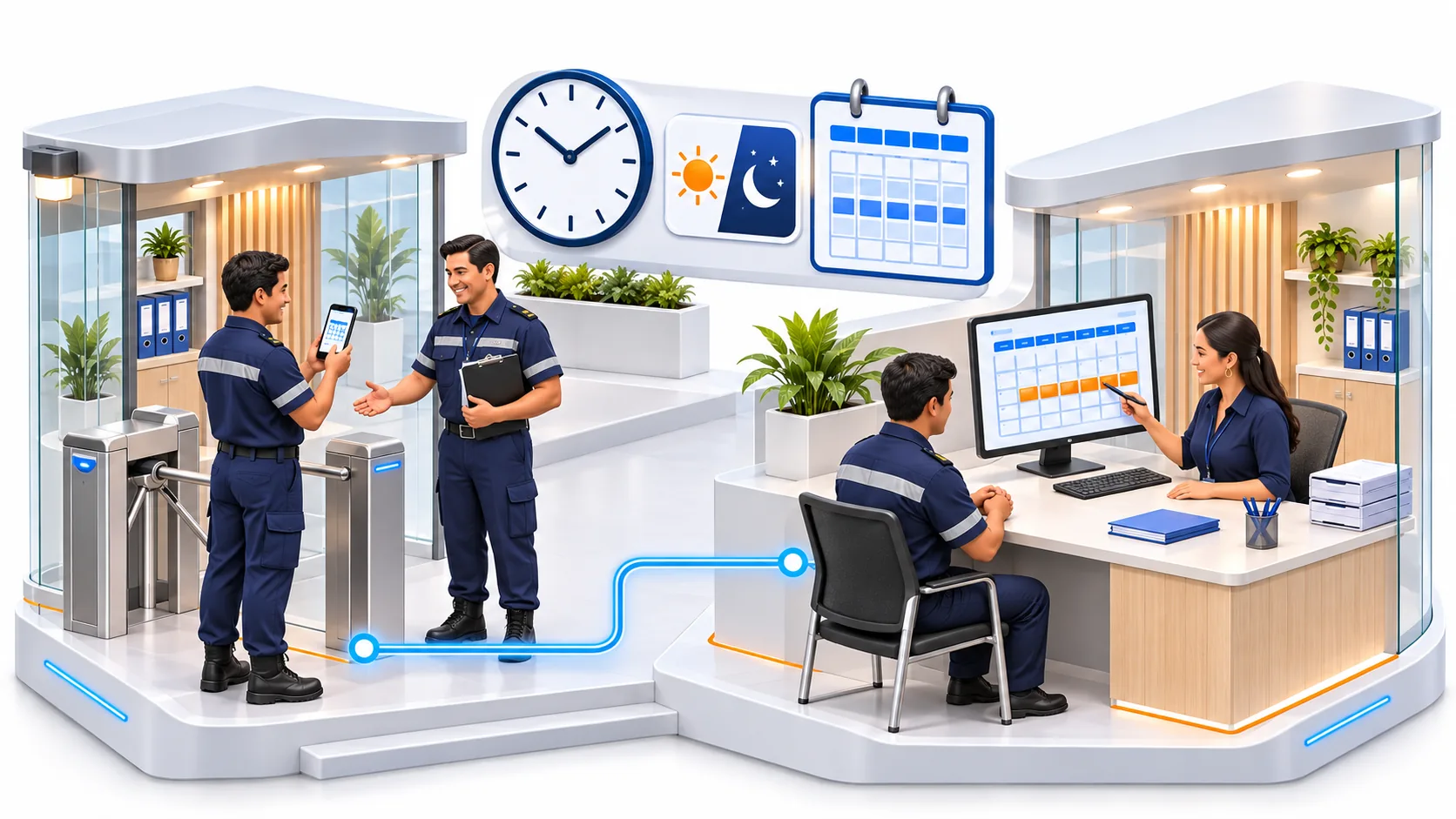
Two security guards hand over at a checkpoint while a supervisor reviews a shift calendar.
In your operation

How the workflow works

  1. Set working hours

    Assign the shift, work center and contract conditions. Expected hours provide the reference for attendance review.

  2. Collect clock-ins

    Receive entries and exits from the portal, mobile app or a file. Review open shifts and the reasons for corrections.

  3. Approve payroll changes

    Examine overtime and absence proposals. Approval creates the change that payroll will process.

  4. Explain the pay run

    Review payslip details and cost by center. Keep the link to the working time behind the payment.

What to prepare for this workflow

  • Dated shifts and assignments, current contracts and work centers.
  • The clock’s export file when using biometrics; no direct device connection is required.
  • Reviewers for proposals and corrections with recorded reasons.
FAQs

What to clarify before you begin.

Do clock-ins trigger payments without review?

No. They generate proposals. HR reviews and approves payroll changes before they enter the calculation.

How does a biometric clock connect?

Through its attendance export file. Review the format, employee identifiers and duplicate records.

OpenBusiness Payroll and People Management

Let’s discuss your next payroll close.

Tell us how you collect payroll changes, where your people work and how you send information to your bank and accounting team. Let’s walk through a pay period together.

Download brochure (PDF, Spanish)